
Preparing for exams
Studying for exams or finals? Turn your class notes into a study plan you review step by step, then practice under test conditions before test day.


AI study guide maker
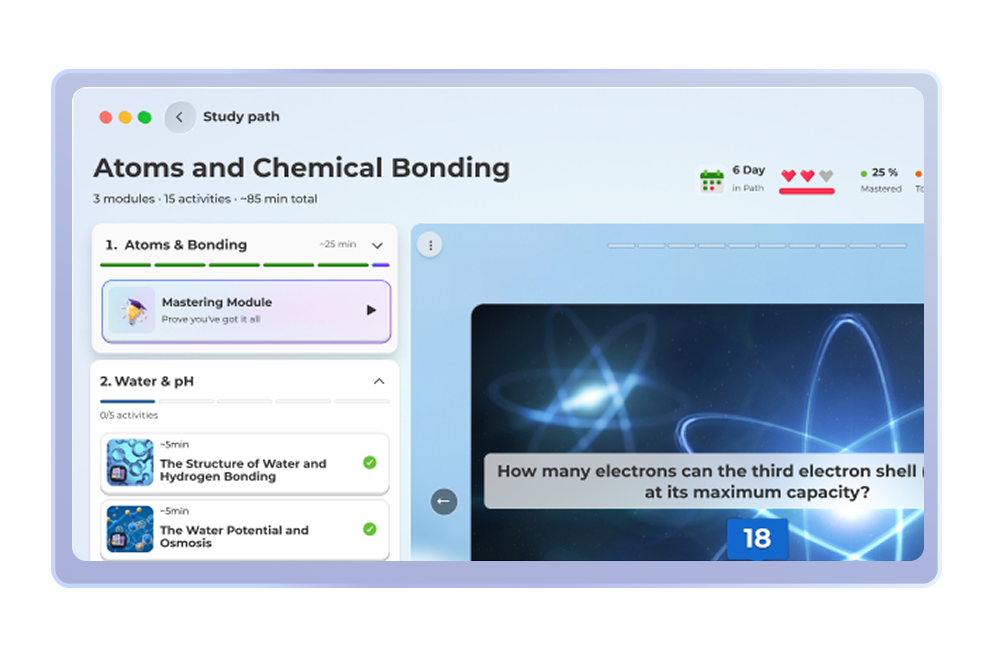
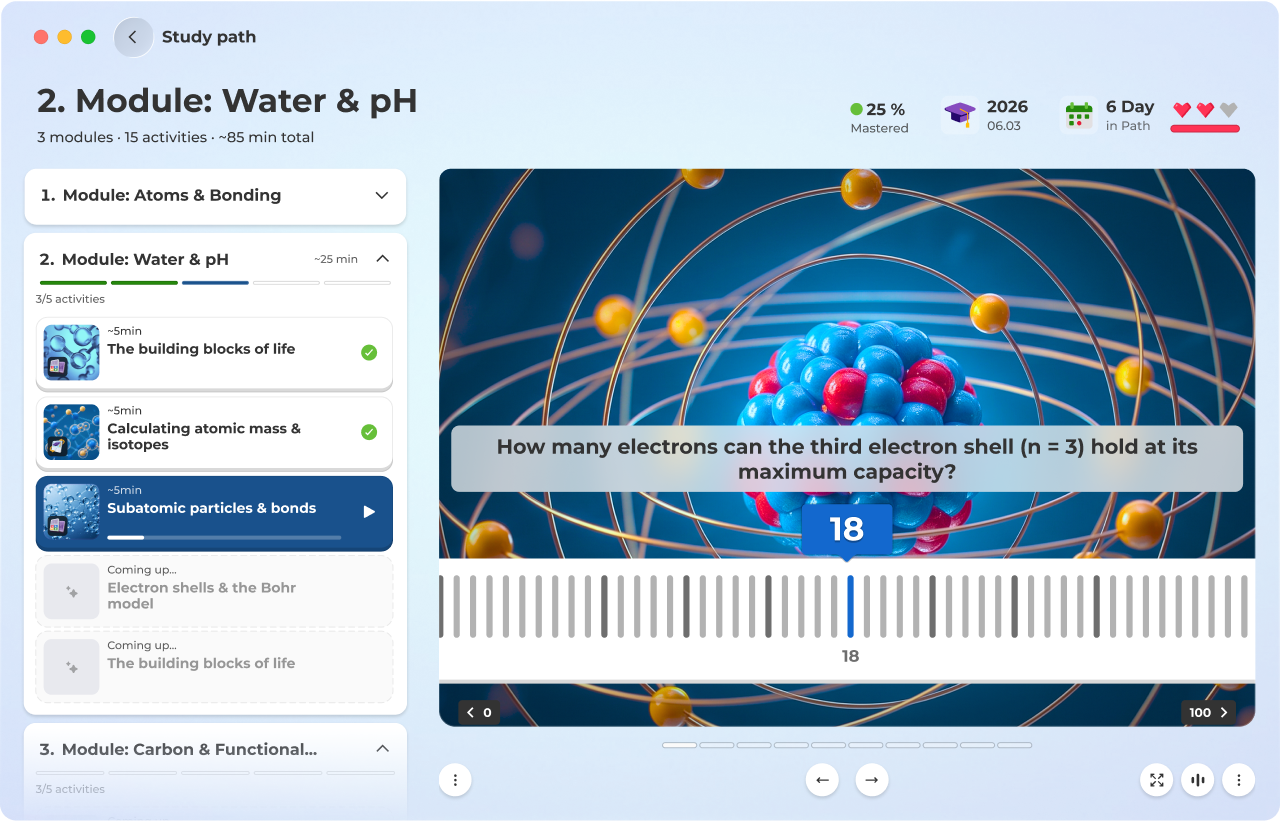
Most study guide makers just give you a summary of your notes. Kahoot!’s study path goes further. Upload your slides and PDFs, or scan your notes, and get a personalized study path, organized into modules of kahoots you can review at your own pace.
Now available in Kahoot!+ Gold from$15 $10/mo. Save 30%. Offer ends November 27.
Get Kahoot!+ GoldSee how it works
Study path is available in the Kahoot! app. Download now
Kahoot!’s Study path uses AI to turn your materials into a personalized study guide. It’s not just a summary, but a course that splits your material into bite-sized modules of kahoots you can study in different ways, from quick quizzes to mock exams.
Studying for exams or finals? Turn your class notes into a study plan you review step by step, then practice under test conditions before test day.

Missed a few lectures? Upload the lecture slides or notes and get one study plan that walks you through the whole course, module by module.

Review your notes right after class with an AI study guide built from your own materials, so new concepts stick before the next lesson.
Want to try it first? Start your 7-day free trial of Kahoot!+ Gold in the Kahoot! app and create your first study path.
Make a study guide from the class materials you already have. No copy-pasting, just upload your content and start studying.

Unlock the ultimate study toolkit powered by AI included in Kahoot!+ Gold, now with Study path.
Choose the plan that fitsyour study needs | ||
| Perfect for | Learning and reviewing | Acing exams |
| New!Study path: turn your class content into custom study paths | Not included | Included (Early access) |
| Kahoot! Assistant access | Basic | Expanded |
| Question types to practice with | Standard | Every question type |
| Participants for live study sessions | Up to 50 | Up to 200 |
| Present with interactive slides & live Q&A | Not included | Included |
| Kahoot! Language Learning in 50+ languages | Included | Included |
| Study toolkit: flashcards, learn & test modes | Limited | Expanded |
Create your study paths in the Kahoot! app on iPhone, iPad, Android and Mac. All you need is your class materials and an internet connection.


An AI study guide maker is a tool that turns your notes, PDFs, class slides, or other materials into a structured study guide with lessons and practice questions. Kahoot!’s AI study guide maker, Study path, builds a personalized study path from your class content, organized into modules of kahoots.
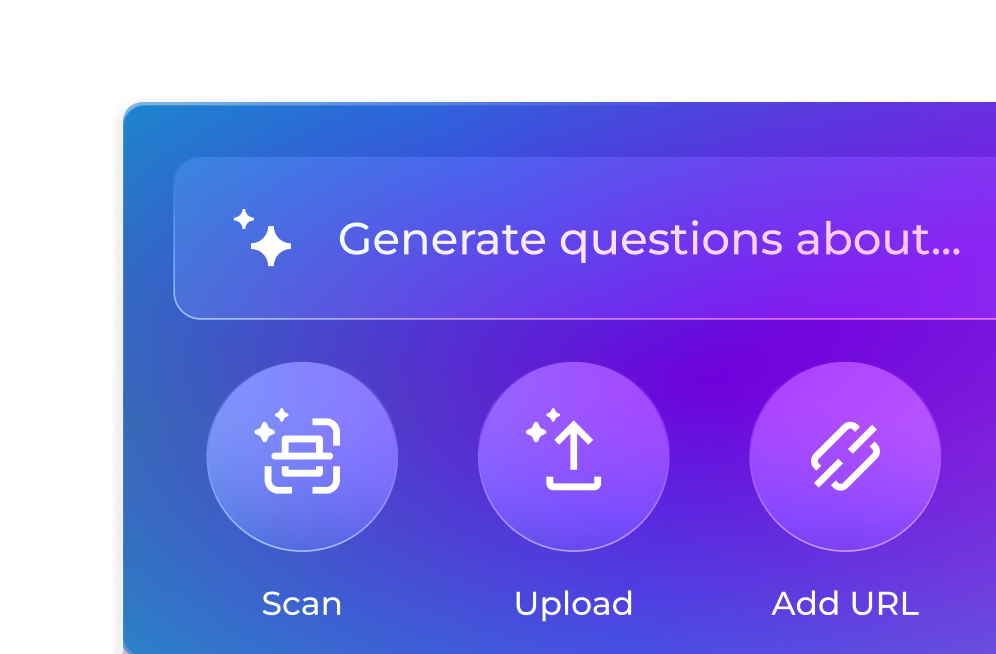
Open the Kahoot! Assistant in the Kahoot! app, choose Study path, and upload your slides or PDFs or scan your notes. Kahoot! AI finds the key concepts and builds a study path organized into modules of kahoots.
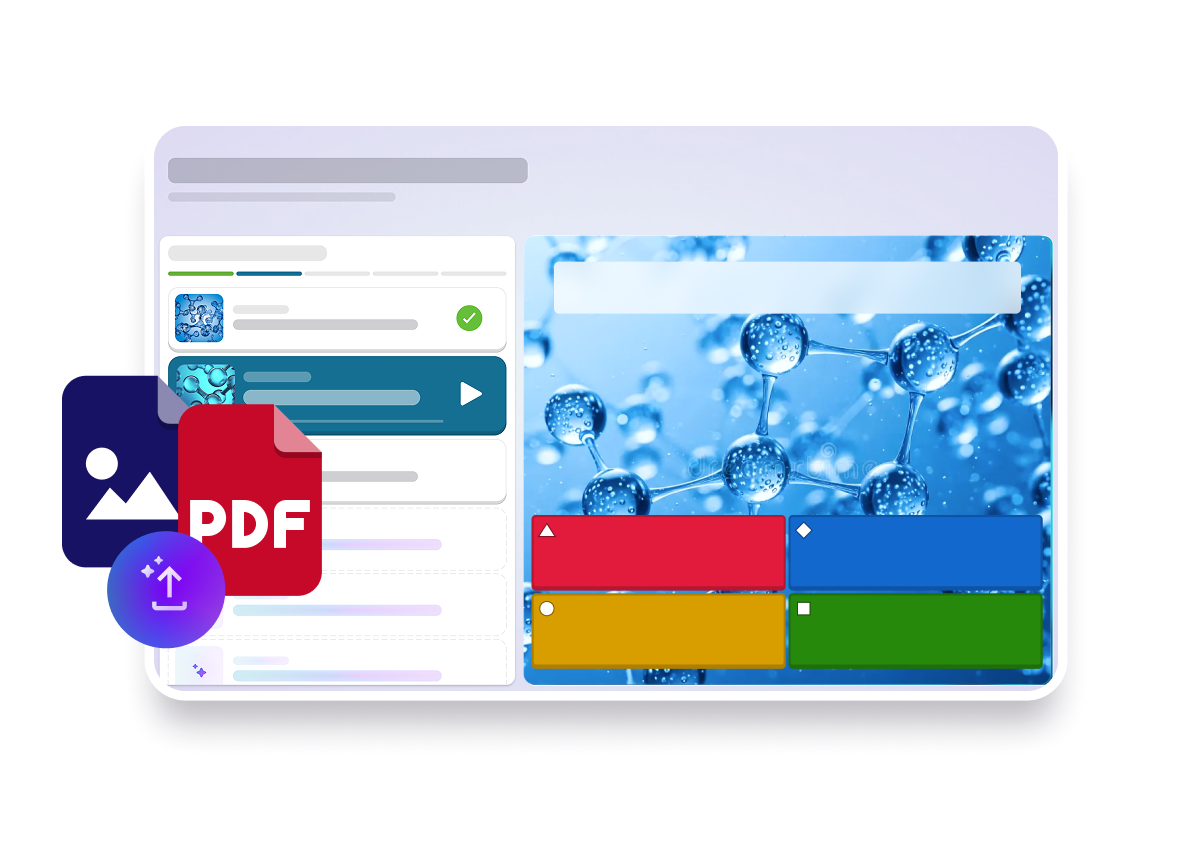
You can upload PDFs, PowerPoint presentations, and lecture slides, or scan handwritten or printed notes with your camera. Add several files at once, up to 150 pages in total.
Study path is in early access for Kahoot!+ Gold and higher plans, such as Kahoot!+ One. Choose Kahoot!+ Gold on the pricing page to get started.
Your outline is ready in seconds and your first kahoot right after. The next activities are generated in the background while you play, so there’s no waiting.
Yes. Create a study path for each subject or class and find them all in Library › Study paths. To add new material, create a new study path with the updated files.
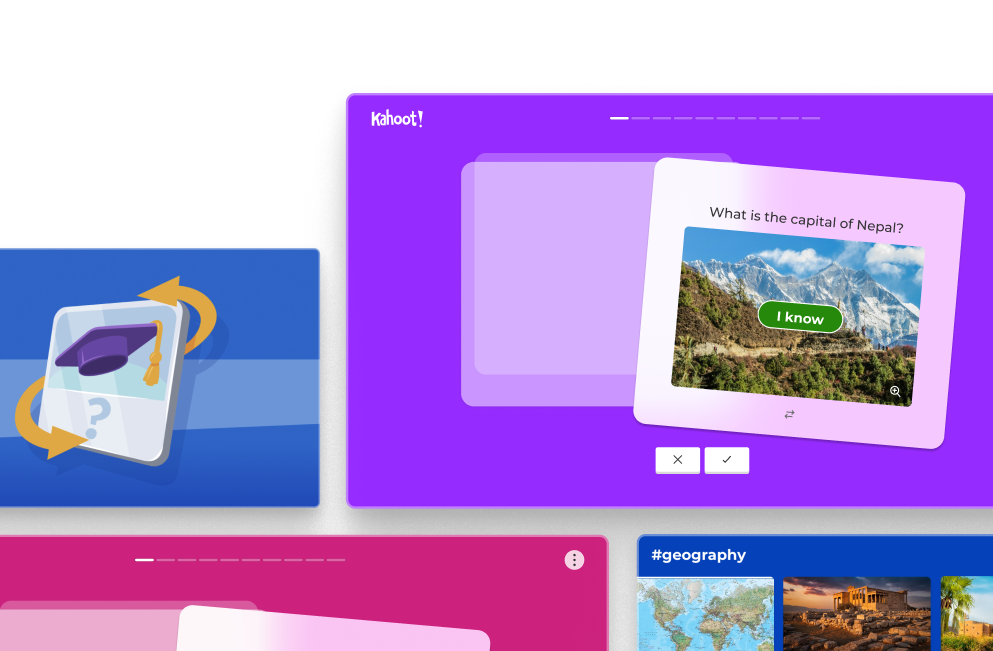
Flashcards are great for memorizing facts and definitions. A study path is bigger: it organizes a whole subject into modules of kahoots that you play in order. You can still practice any kahoot with Flashcards mode in the Kahoot! app.
Yes. Study path works in the Kahoot! app on iOS, iPadOS, Android, and macOS. It isn’t available on the web yet, and you need an internet connection while you study.
Yes. Upload the slides and notes for your exam, and Study path breaks them into short modules you can work through ahead of exam day. When you’re done, practice under test conditions with Test mode. Learn more about preparing for exams with Kahoot!
Update your language, region and currency.