


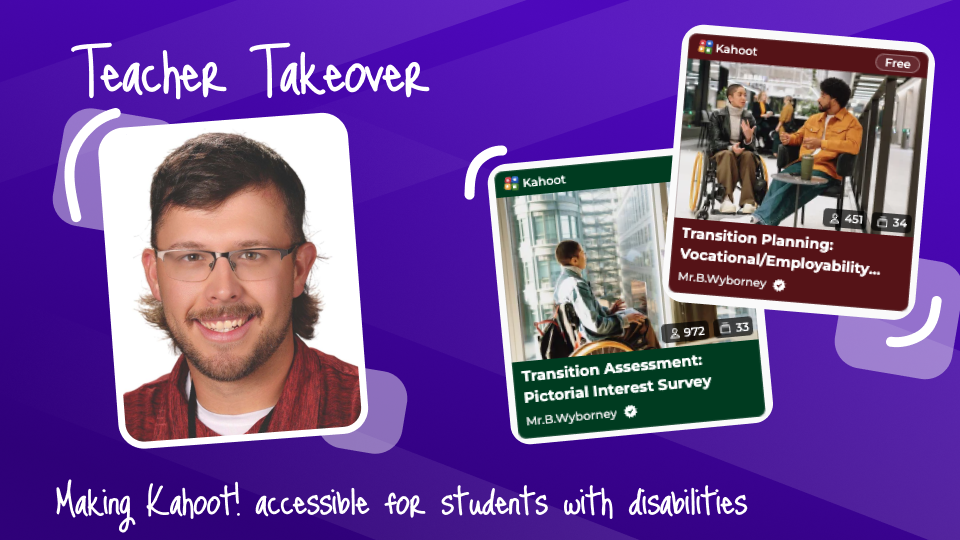
Kahoot! Ambassador, Brett Wyborney, has been a teacher for 8 years, starting his career in the state of Alaska and currently in Washington state. In his eight years of teaching, he has been a functional academics teacher for students with moderate to severe disabilities, a resource level teacher mainly serving students with Specific Learning Disabilities or Other Health Impairments, the general education classroom, and the advanced classroom for gifted learners. All throughout his journey, he has utilized and adapted Kahoot! to best meet the needs of all students. Read on to hear how he’s adapted Kahoot! tools to be more accessible for the functional academics classroom and curriculum.
Kahoot! in the life skills classroom
I had been using Kahoot! for years when I first started teaching in a functional academics classroom for students with significant disabilities ages 14–22. As I searched the internet for resources at an appropriate level for my students, I quickly noticed a lack of age-appropriate and accessible materials. I realized that Kahoot! could be the perfect platform for creating materials that were appropriate for my students’ unique needs.
My functional academics classrooms typically had 6–8 students with a wide variety of needs. Most students had a 1:1 para-educator, many were nonreaders, several were nonspeaking, some had visual impairments, and some came from households where English was not the primary language.
Special education teachers know how challenging it can be to create instruction that works for every student in a classroom with such diverse needs. Kahoot! helped me make that challenge a little less daunting. With a few adjustments to the way I created my kahoots, I was able to make these lessons more accessible, engaging, and useful for instruction and assessment.
Strategies for making Kahoot! accessible and engaging
Using images as answer options
One of my favorite Kahoot! features for a functional academics classroom is the ability to use pictures as answer choices instead of relying entirely on text. Picture-based questions allow students who are nonreaders to participate in activities that might otherwise be inaccessible to them. For example, students can:
- Identify similarities and differences
- Identify what does or does not belong in a group
- Identify patterns
- Agree or disagree with an idea
- Identify objects, places, or people
- Make choices based on preferences or interests
- Demonstrate knowledge without having to read
Pictures can also be paired with Picture Exchange Communication System (PECS) symbols, photographs, icons, or other visual supports that students are already familiar with.
Picture-based answers tend to work especially well with touchscreen devices and other assisted technology. Many of my students had difficulty using a computer mouse or trackpad because of fine-motor challenges. Touchscreens allowed students to interact with the answer choices more independently. I also recommend having a teacher or paraeducator read each question aloud and giving students ample time to process the question and respond.