1:1 devices
Every student joins on their own device with a game PIN, the classic Kahoot! way.



Kahoot! adapts to your classroom’s unique setup — 1:1 devices, shared tech, or no student devices at all. From early learners to secondary students, Kahoot!’s unplugged experiences make lessons interactive while supporting different needs and sensory preferences. Teach the way your students learn best with Kahoot!
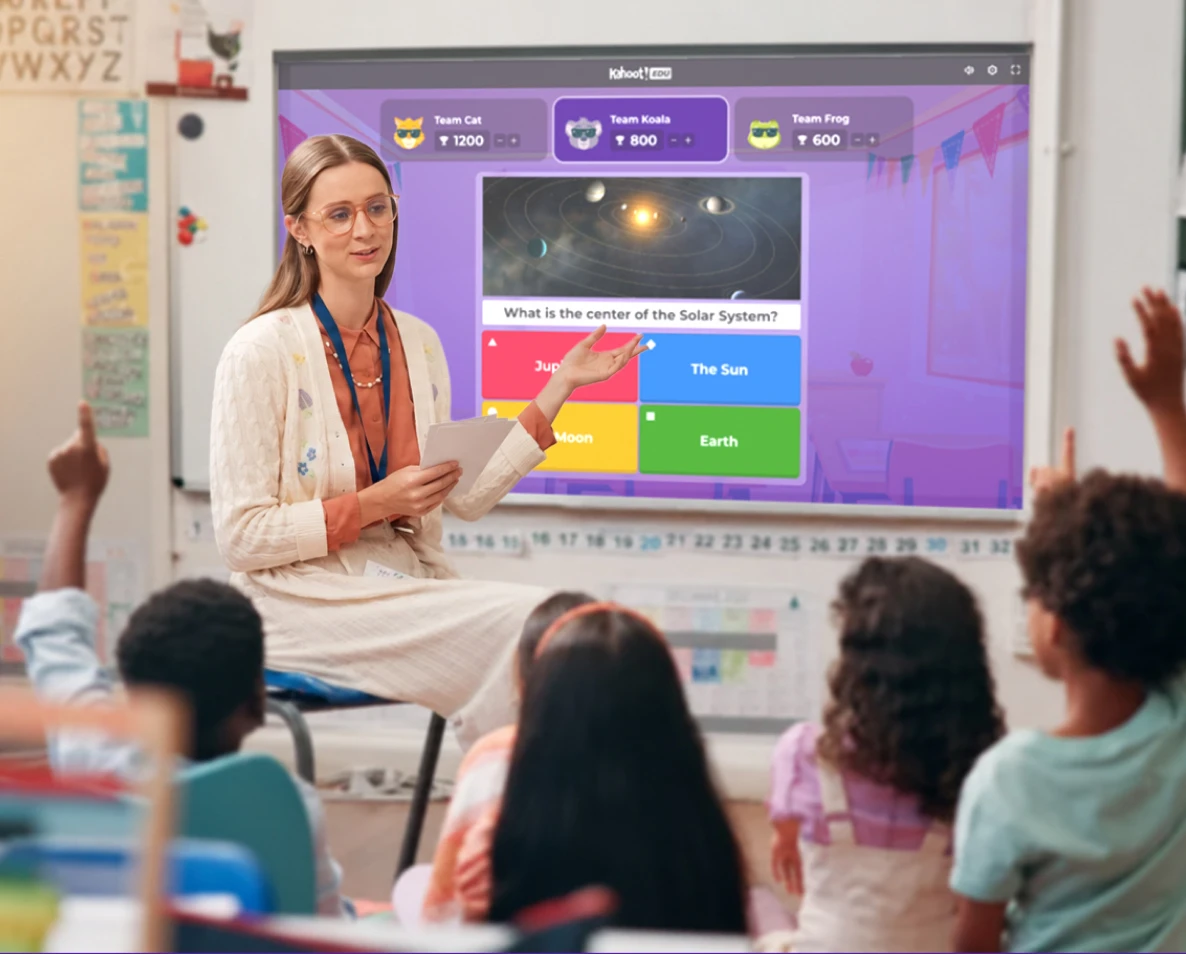
Whatever technology — or teaching style — your students need, Kahoot! meets you there.
Every student joins on their own device with a game PIN, the classic Kahoot! way.
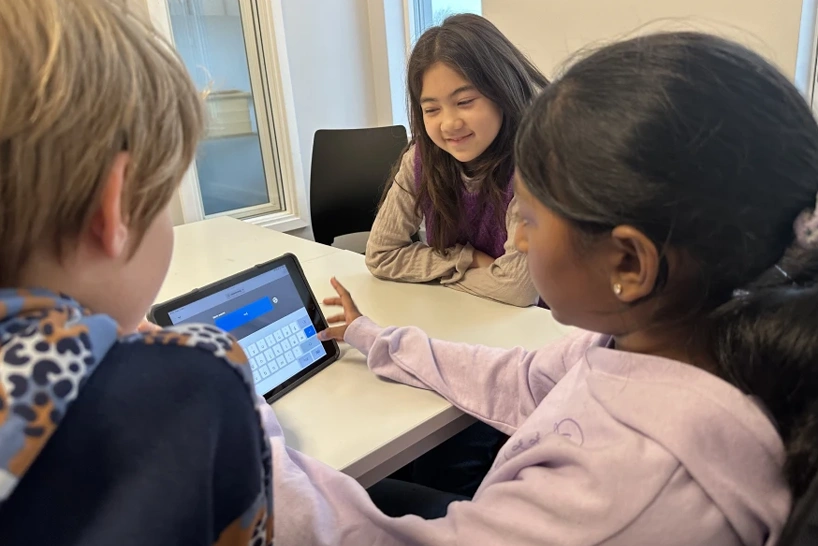
Pairs or small teams share a device or a device cart — no one needs their own, and shared tech is a great match for team play.
Run a full Kahoot! experience from your screen alone — hands, voices, or movement instead of student screens, with time to think.
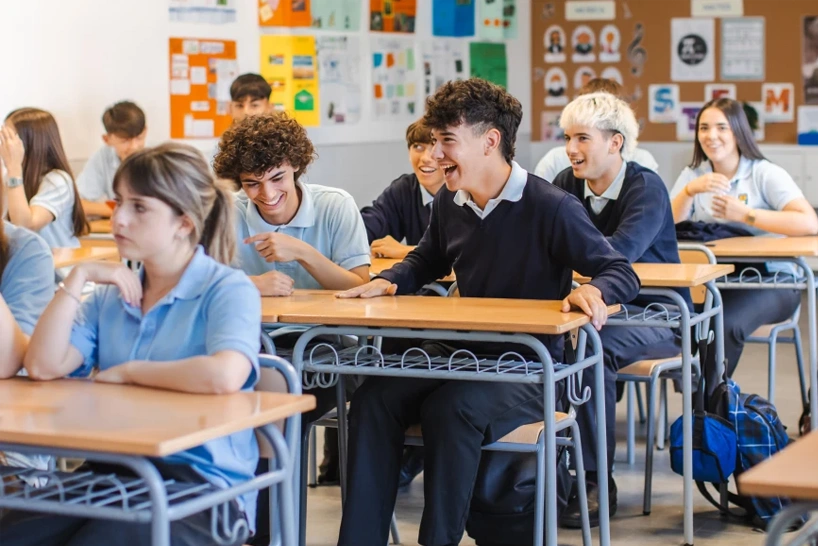
Why use Kahoot!’s unplugged experiences?

No game PINs, no student devices, no prep or delays. Simply launch an unplugged experience and instantly start learning.

Built for classrooms designed to be device-free for students — while keeping all the Kahoot! energy.

A quick whole-class pulse check, or a structured team competition. Both spark instant participation, and keep motivation high.
Kahoot!’s unplugged experiences
The classic Kahoot! experience, unplugged
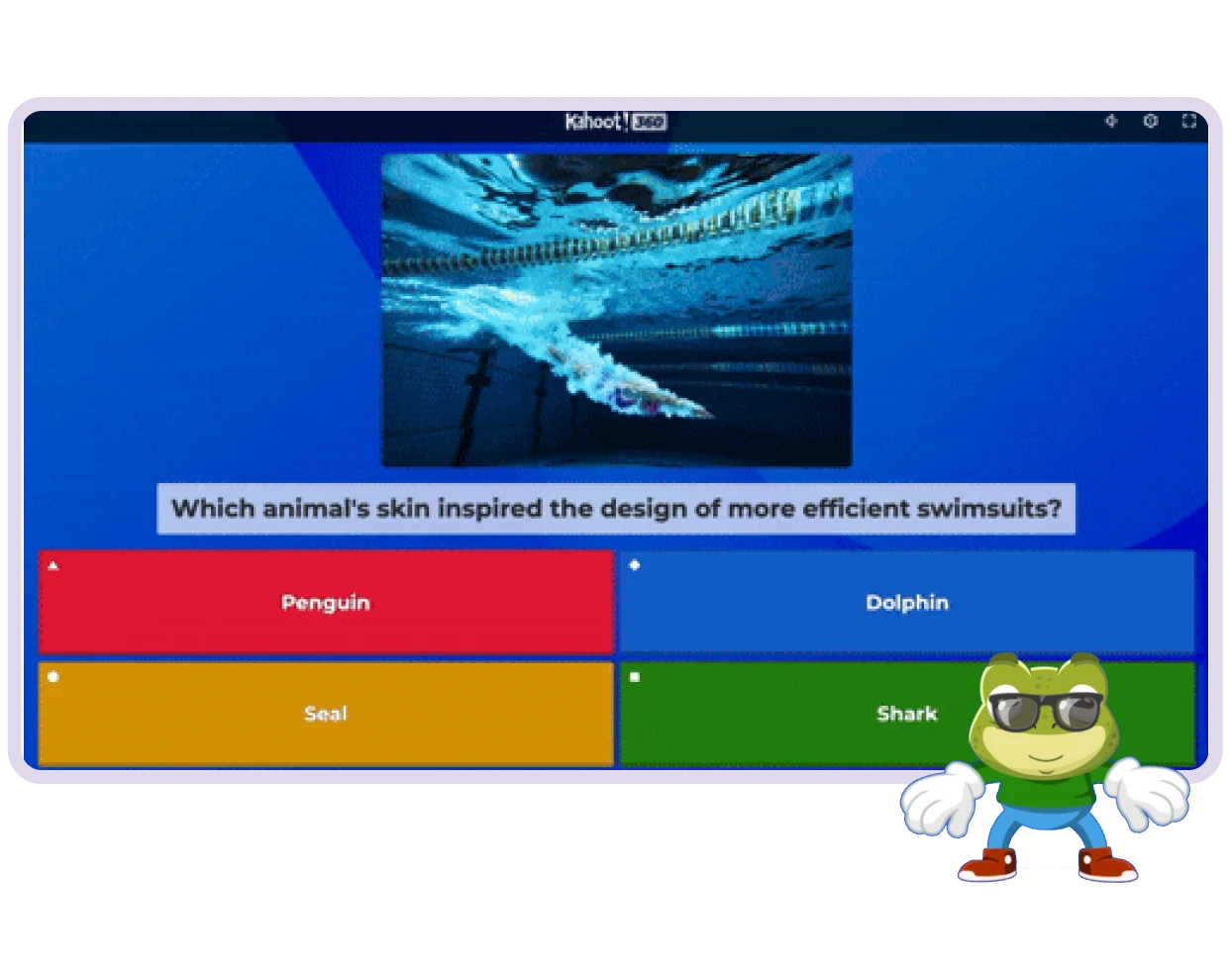
A question appears on the shared screen — instead of reaching for a device, the class calls out the answer together. On your cue, everyone reveals their answer at once — with hand-signals, moving around the class, with color-matched cards, etc. Then, you click the agreed answer on your teaching device, and everyone finds out at once.
Unlike classic timed Kahoot! experience, unplugged trades the countdown for real discussion time — same energy, different pace. There’s room for real debate: students can think and talk it through, review, and land on an answer as a group. Perfect for review sessions and discussion-driven lessons.
Team tiles unplugged — Coming soon!
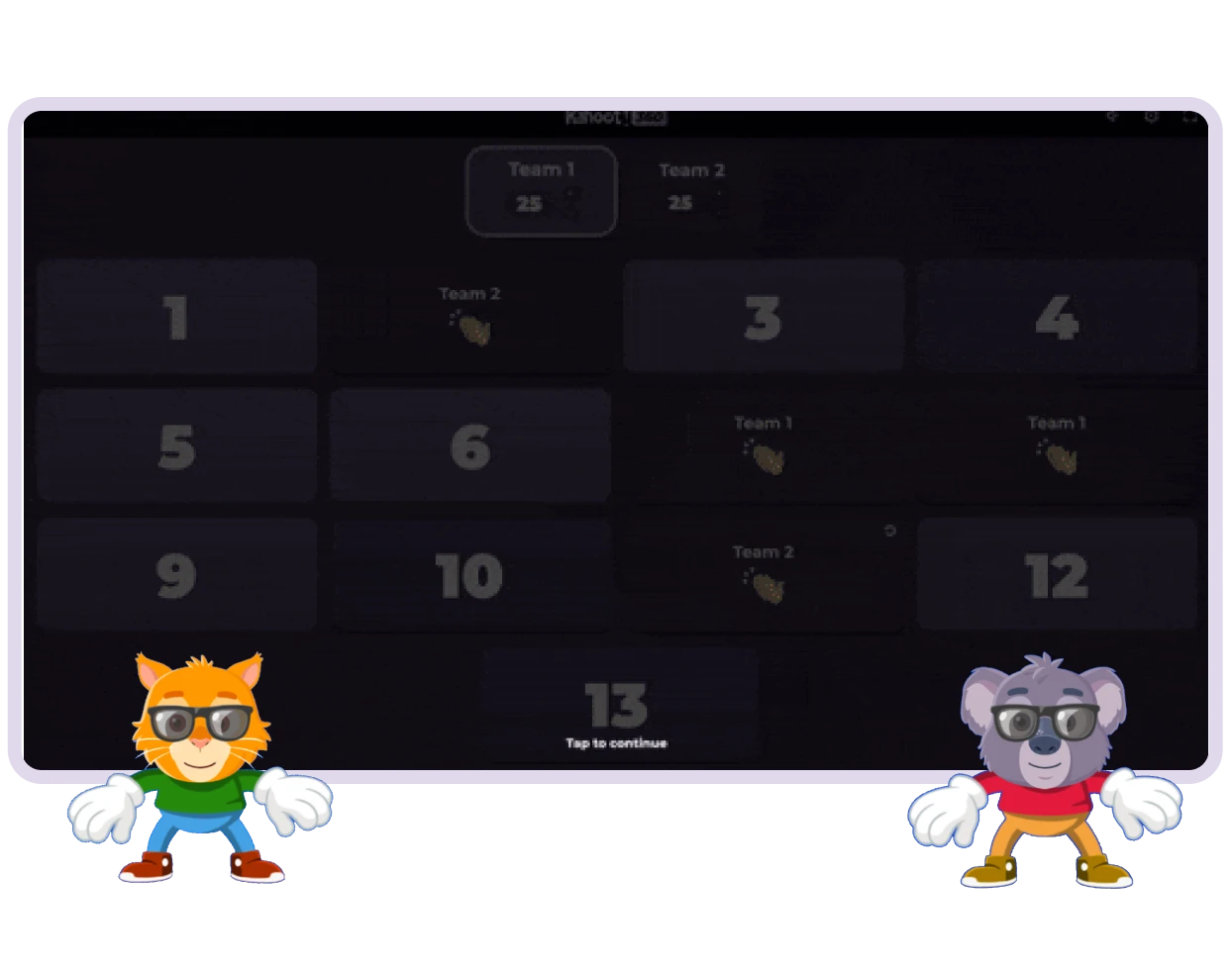
Team tiles is a brand-new experience —perfect for group content review and team collaboration over speed.
The teacher splits the class into teams, each represented by a chosen name and character on the main screen. Then a board of numbered tiles appears, each one hiding a question for the teams to answer in turns, while the other teams watch and wait for their turn.
Each team picks a tile, discusses their answer together, then reveals it on the teacher’s cue — with cards, hand signals, or whiteboards. The teacher marks it right or wrong on the main screen, points climb round after round, and it all ends with a podium reveal.
Why teachers love unplugged experiences?
Not every classroom or learning moment needs a device in every hand. Kahoot!’s unplugged experiences bring all the energy of Kahoot! straight to the classroom main screen: no phone, tablet, or laptop required for anyone else.
Just open your teacher device and go. No game PIN, no student setup delay — an interactive lesson ready the moment you are.


Launch in seconds — no PINs, no tech troubleshooting eating into the lesson. Perfect for all classrooms.

Students can join in at their own pace and comfort level, sharing their answer with cards, hand signals, or whiteboards — no pressure or rush.

No new content to build — open any existing kahoot and run it as an unplugged experience.
“Classic Unplugged combines the familiarity and excitement of a kahoot with the simplicity of a teacher-led presentation. It gives the whole class a fun, interactive way to participate and discuss together.”

Unplugged experiences let you run a kahoot on a shared screen with zero student devices — everyone plays together using discussion, hand signals, or answer cards instead of an individual device. There are two ways to play: Classic: Unplugged and Team Tiles: Unplugged.
Classic: Unplugged brings the traditional Kahoot! format to a shared screen — the whole class or teams discuss and agree on an answer together. Team Tiles: Unplugged has teams take turns picking tiles from a shared board, each revealing a question to answer collaboratively. Both skip student devices.
No — unplugged experiences only need one shared screen and the teacher’s device to run the session. Students respond together as a class or in teams, using discussion, hand signals, or answer cards instead of an individual device or game PIN.
Unplugged experiences are perfect for any class size, since students respond as a group rather than individually. For Team Tiles, teams take turns picking from the shared board, so play scales to however many teams your classroom is split into.
Yes. Any kahoot you’ve already built can be run as Classic: Unplugged or Team Tiles: Unplugged — there’s no separate content to create. Just open your existing kahoot and launch it as an unplugged session instead.
The teacher’s device still needs an internet connection to load and run the kahoot, same as any Kahoot! session. What unplugged removes is the need for an individual device — or connection — for every student, not for the host.
Unplugged experiences are perfect for any moment, subject or school type — no student devices, no game PIN, no setup delay. They trade speed for discussion time, so students think through an answer together instead of racing the clock, while keeping the same energy and shared-screen excitement of a live kahoot.
Update your language, region and currency.