

¡Uy! Parece que esta página aún no está disponible en Español. ¡Estamos trabajando en ello, vuelve pronto!

app store badge google play badge

Get the mobile app for the best Kahoot! experience!

Accessibility at Kahoot!

At Kahoot!, we believe that learning should include everyone and our mission is to make learning accessible to anyone, regardless of ability, device, or internet access.

We strive to meet WCAG 2.2 Level AA.

Inclusion is one of our core values. From game experiences that reduce stress and anxiety to features that support different learning styles, Kahoot! is built with everyone in mind.

Educators can also customize their kahoots to be even more inclusive — adjusting pacing, question types, and settings to suit every learner in the room. When education is truly inclusive, everyone benefits.

Child in classroom celebrating with raised arms

Kahoot! Accessibility Conformance Report (ACR)

Our Accessibility Conformance Report (ACR) helps schools, institutions, and businesses understand how Kahoot! supports global accessibility standards in conformance with WCAG 2.2 Level AA.

Download the reports for our instructor and participant experiences below:

For instructors For participants

Kahoot accessibility feature icons: hearing, vision impairment, and text sizing

Accessibility features built for every learner

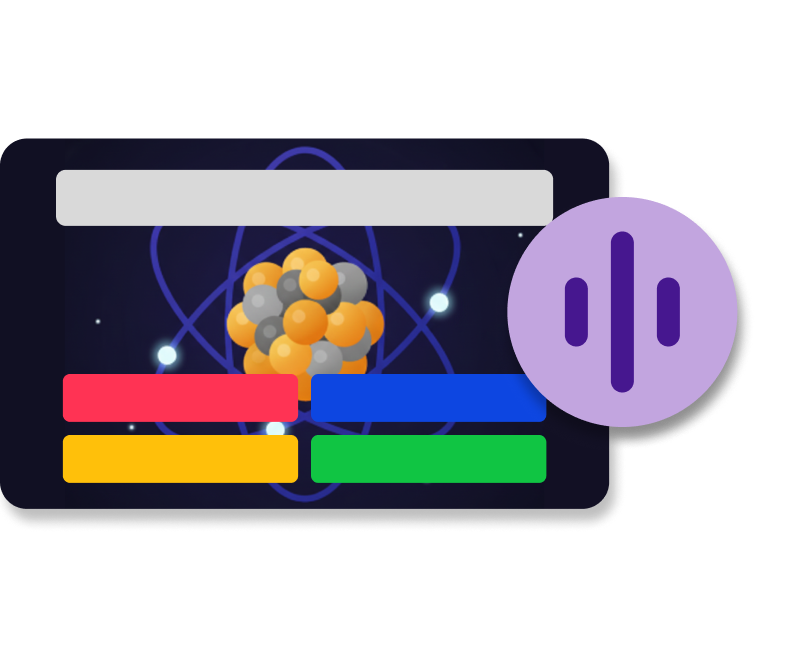
Kahoot quiz question with atom image and audio playback button

Read aloud

Questions and answers are read aloud via iOS and Android apps, supporting students with reading difficulties or visual impairments.

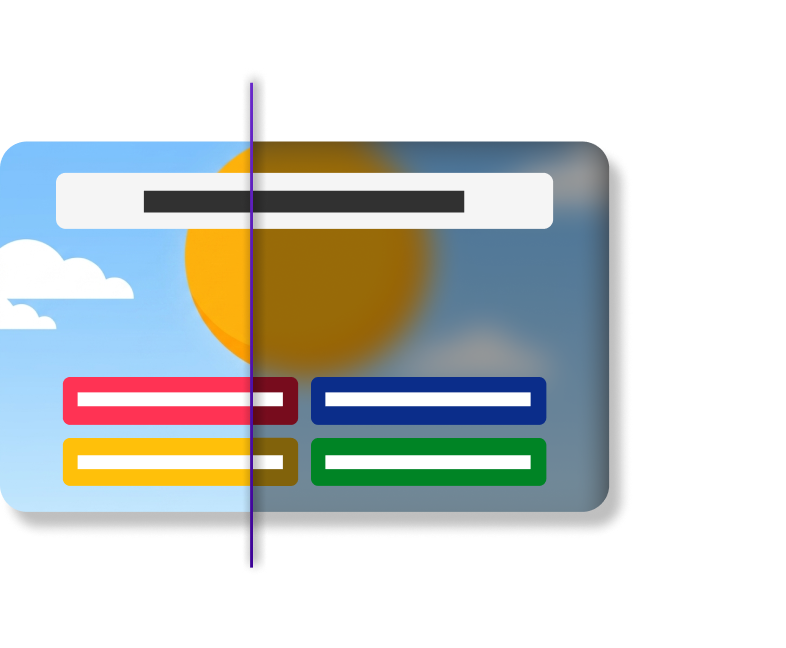
Kahoot question slide split-screen showing normal and blurred vision modes

High contrast mode

A high-contrast theme improves readability for users with mild to moderate visual impairments, making content easier to see and engage with.

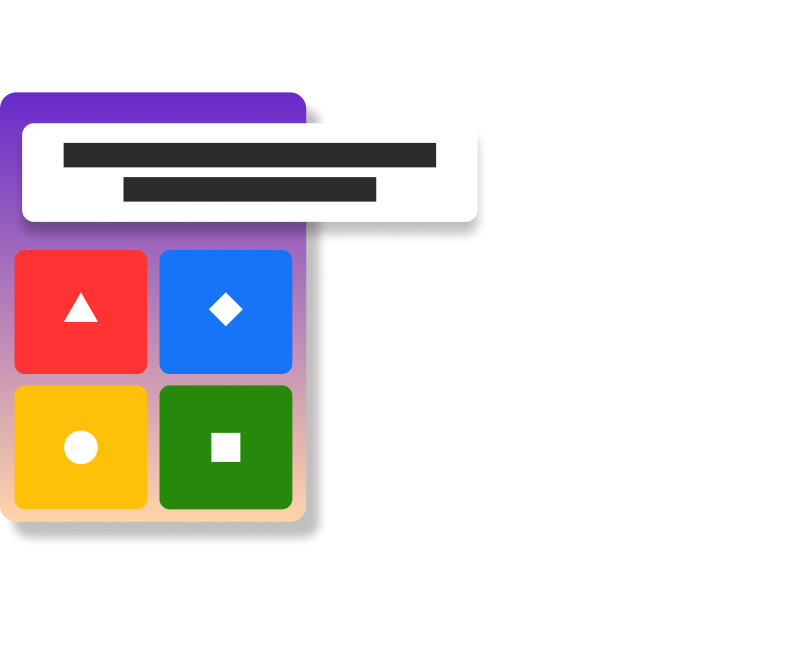
Kahoot four-answer quiz card with colored shape buttons and question text

Questions on player devices

Show questions directly on each student’s device — ideal for those using assistive technologies or who need to be closer to the screen.

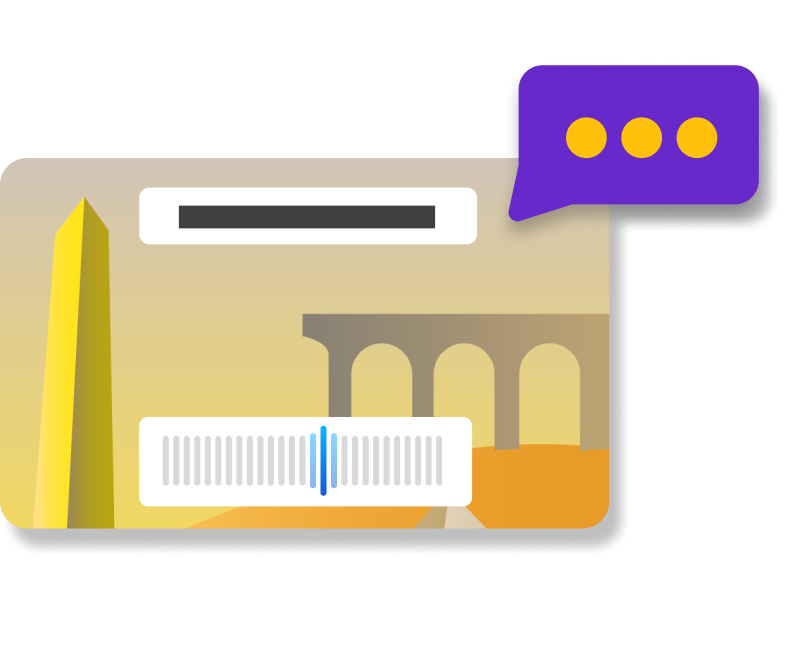
Kahoot question slide with audio waveform and speech bubble indicator

Screen reader compatibility

Compatible with common screen readers on student devices, reading questions and answers aloud for most question types. Drop Pin and Pin answers are visual and not supported.

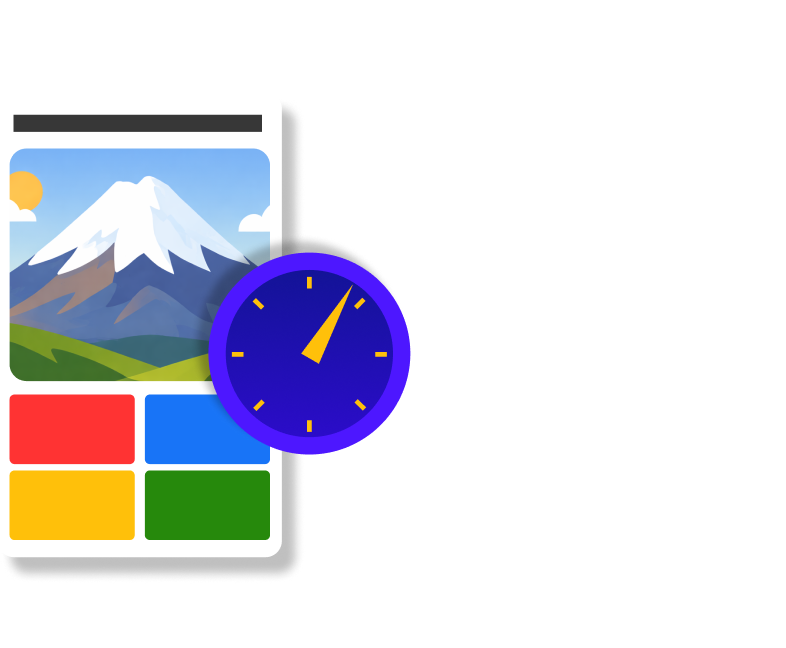
Kahoot quiz question card with mountain image and countdown timer

Extended time & no-timer options

Remove or extend time limits on questions to reduce pressure and give every student the time they need to respond confidently.

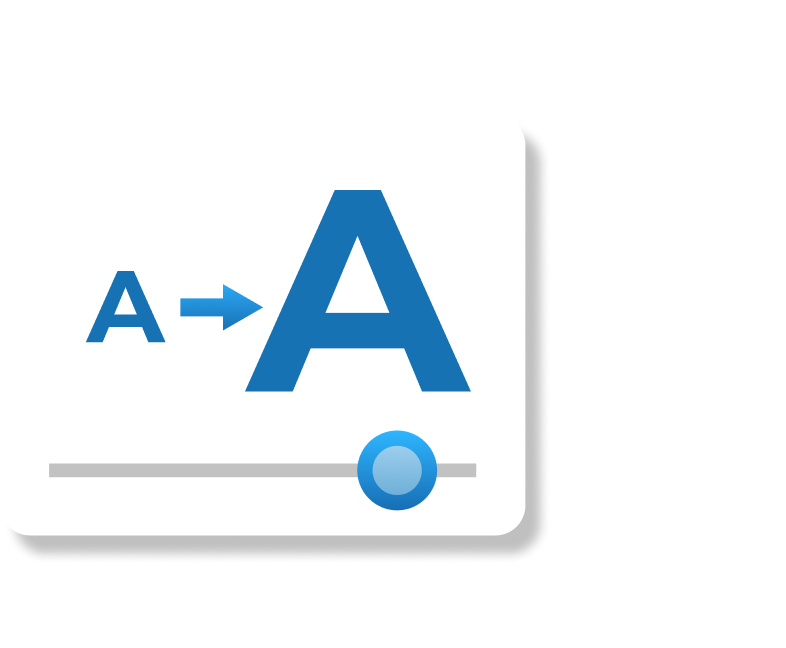
Kahoot font size adjustment icon with A-to-A scaling slider

Dynamic font sizes

Text scales up to 200% via browser zoom and dynamically adjusts font sizes on mobile for improved readability across all devices.

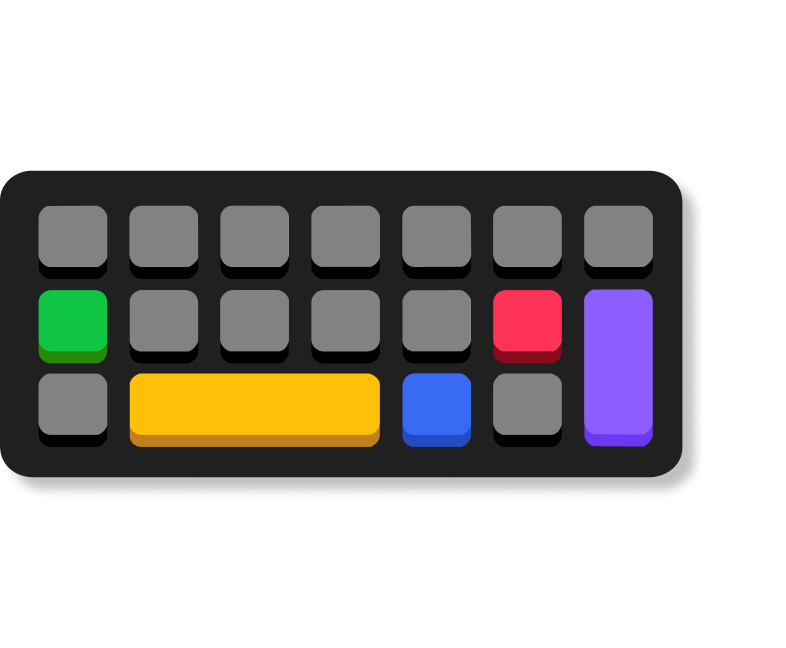
Colorful Kahoot-style keyboard illustration with highlighted shortcut keys

Keyboard navigation

Full keyboard navigation support using Alt, Enter, and Spacebar, ensuring Kahoot! is usable without a mouse or touchscreen.

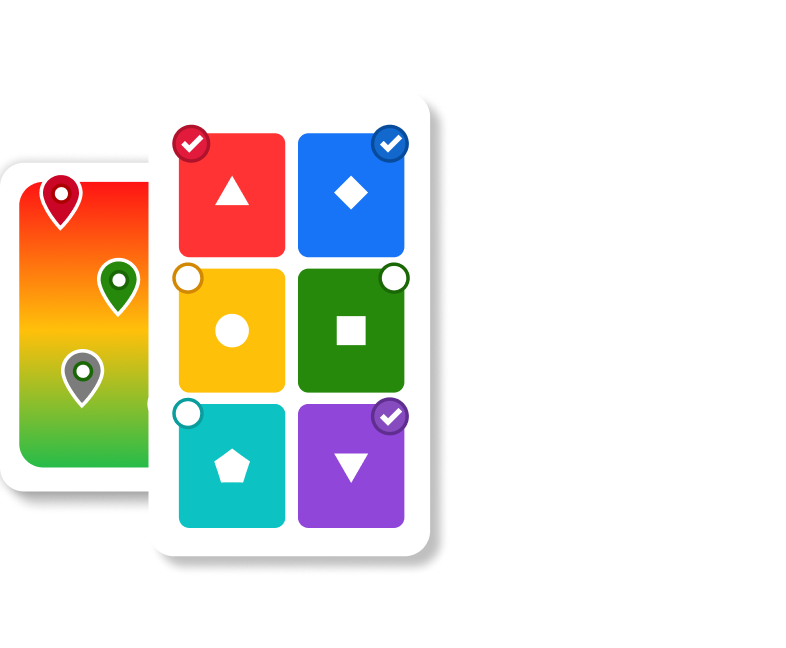
Kahoot answer options card with colored shapes and location pin ranking card

Multi-modal question types

Multiple-choice, open-ended, image or GIF answers, and video questions give educators flexibility to support reading challenges and diverse learning needs.

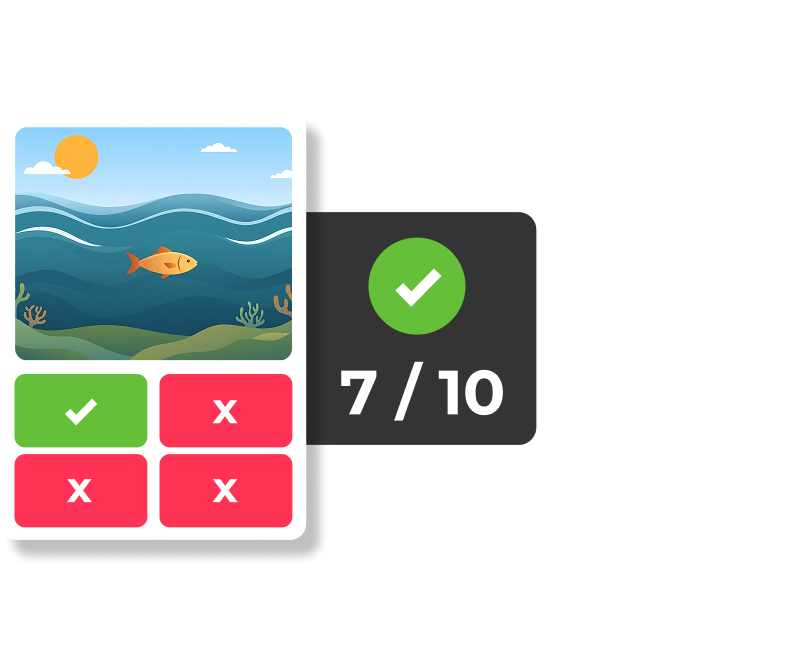
Kahoot true/false question with ocean scene image, showing 7/10 correct answers

Accuracy mode

Puts the spotlight on understanding over speed, giving every learner equal time to answer and rewarding accuracy — reducing pressure and promoting fairness.

Game experiences designed for every classroom

We offer a range of game experiences for different learning styles and classroom environments. Accuracy Mode and Kahootopia! are built with accessibility in mind — reducing stress, rewarding accuracy over speed, and supporting collaborative play.

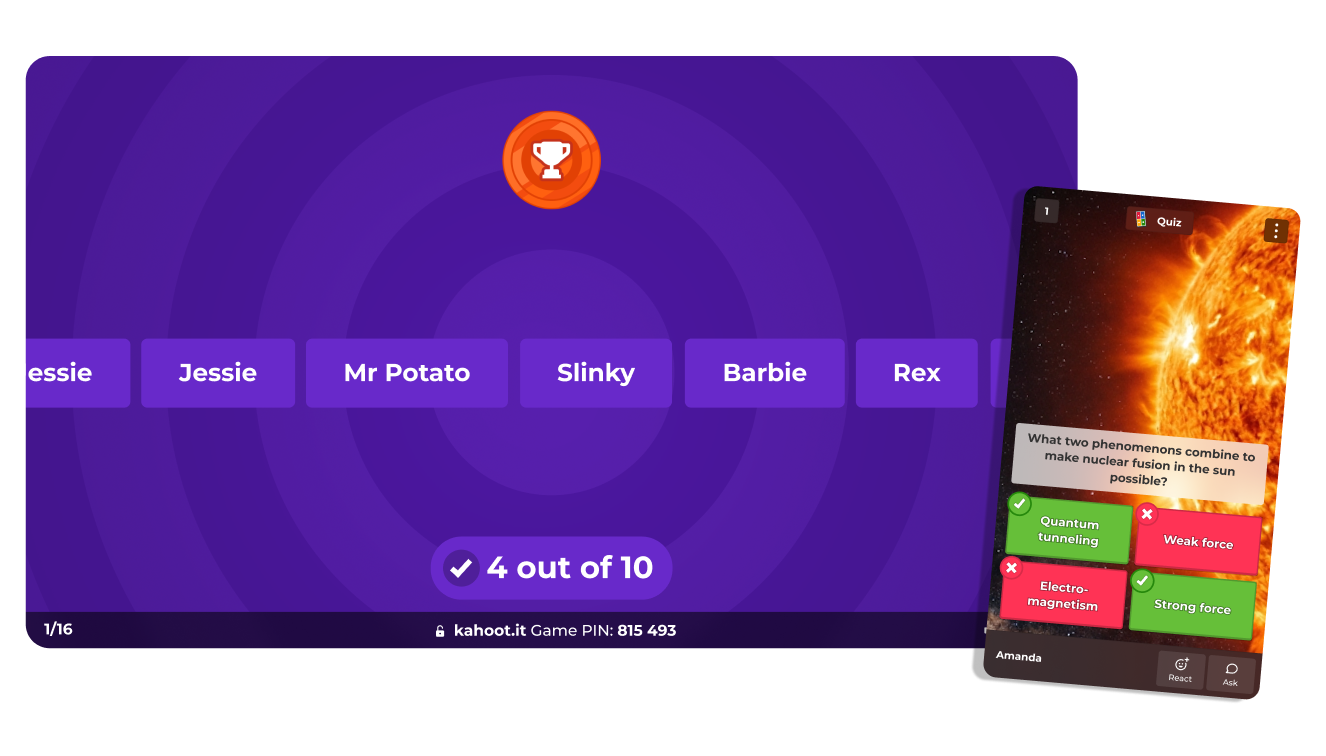
Kahoot game host screen showing leaderboard and player mobile answer view

Accuracy mode

Rewards correct answers over speed, reducing pressure, and creating a fairer experience for all learners.

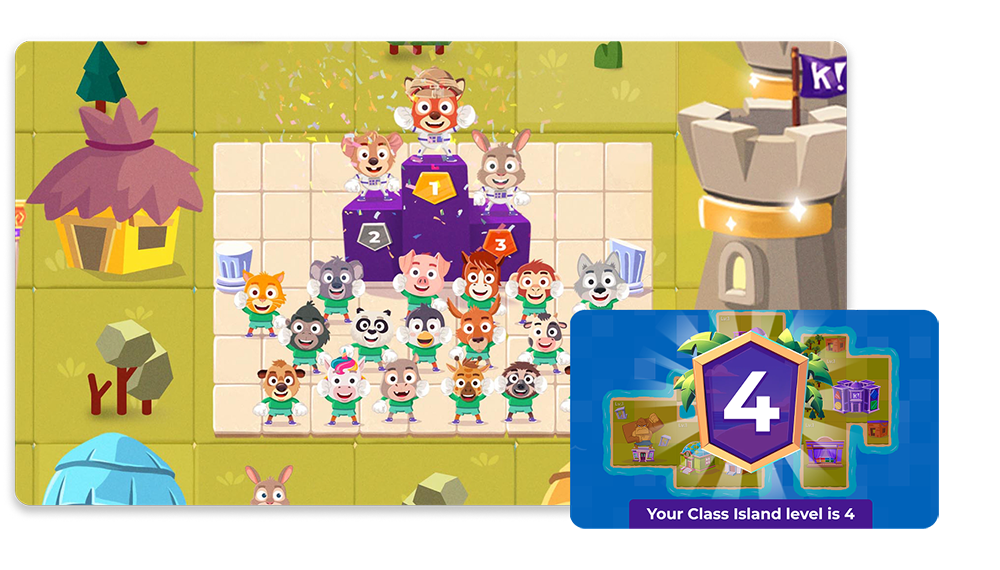
Kahoot Class Island leaderboard podium with cartoon animal avatars, level 4 badge

Kahootopia!

Every student’s contribution builds a shared class achievement, celebrating learning as a community.

Frequently Asked Questions

Does Kahoot! meet accessibility standards?

Kahoot! strives to meet WCAG 2.2 Level AA. We have two Accessibility Conformance Reports (ACR) covering the instructor and participant experience, each available to download as a PDF or view in your browser:

Is Kahoot! compatible with screen readers?

Yes. Kahoot! is compatible with common screen readers on both teaching and student devices, including iOS and Android. Questions and answers can also be read aloud through the Read Aloud feature in the Kahoot! mobile app.

Can I remove the timer for students who need more time?

Yes. Educators can remove timers entirely or extend time limits on individual questions, giving every student the time they need to respond without pressure.

How do I enable accessibility features in Kahoot!?

Accessibility features such as high contrast mode, read aloud, and questions on player devices can be found in your game settings before launching a kahoot. Visit our accessibility settings page for a full step-by-step guide.

Need more help? Visit our Support Center or Trust Center for full accessibility documentation.