Create and teach interactive lessons in class, virtually or in a hybrid format, engage students and increase participation. No need to switch between multiple tools – you can teach an entire lesson with your kahoot!
Top Kahoot! features for creating and teaching interactive lessons
These features will support you before, during and after your lesson to maximise learning:
Add slides - free for all K-12 teachers and students!
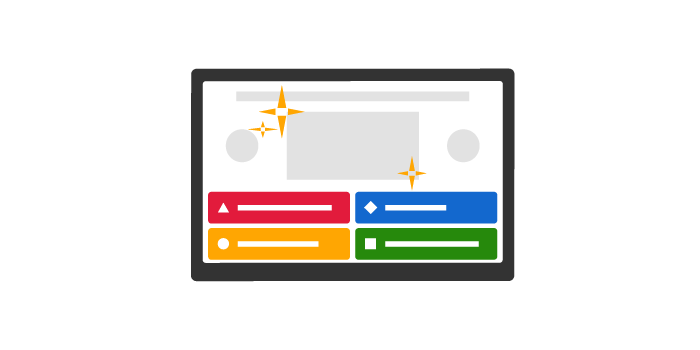
Add slides to your kahoot to introduce new topics, provide additional context, or recap on the key points. With a free teacher or students account, you get access to classic slides. In this layout, you can add a short headline, an image and a short explanatory text under it. By upgrading your teacher account, you can unlock advanced slide layouts, helping you get even more creative with your learning content.
Import existing slides to save time
Have a good presentation that is a perfect fit for your next lesson? By upgrading your account, you can easily import slides created in PowerPoint, Keynote, Google Slides, or from a PDF file straight into your kahoots and add interactive questions between slides.
Host kahoots directly from your PowerPoint presentation
Are you using PowerPoint in your lessons? With our new integration, you can now start a live kahoot directly from your presentation. Whether you teach in class, virtually or in a hybrid format, our new add-in lets you make your lesson truly interactive by bringing your favourite tools together!
Deepen learning and increase participation with interactive questions
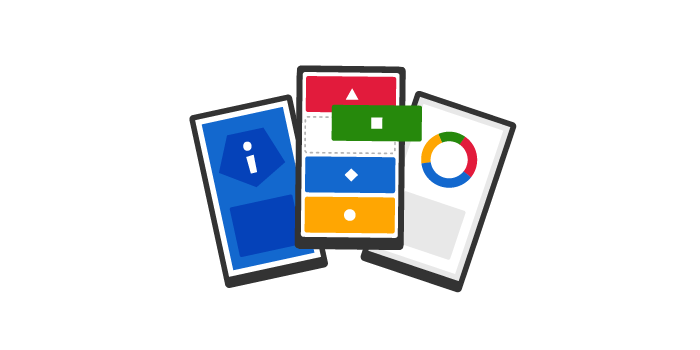
Depending on your subscription, you can combine slides with various question types in a single interactive lesson. In addition to multiple-choice quizzes, you can add polls (perfect for quick pulse checks), puzzles (test accuracy by asking students to arrange answers in the correct order), Type Answer (check knowledge without cues), word clouds and open-ended questions (give students a voice and collect in-depth feedback).
Create lesson plans with kahoot collections
Add several kahoots to a collection that serves as a playlist. For example, you can organise a collection around a specific topic or chapter in the textbook. You can supplement it with a PDF and use it as a plan for a future lesson.
Easily teach via video
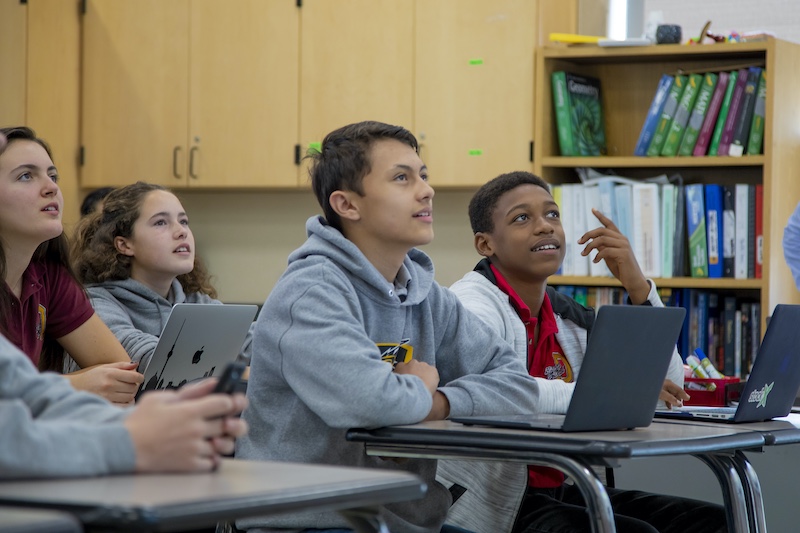
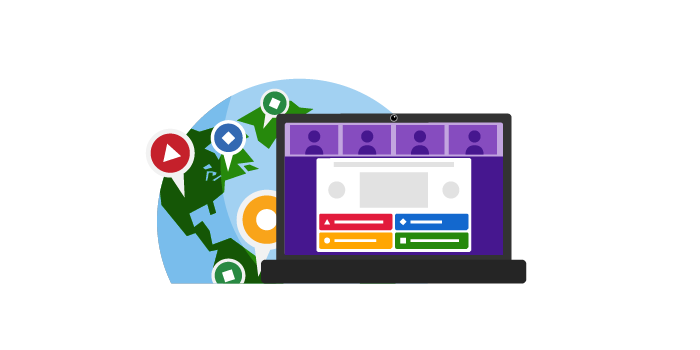
Host a kahoot live in class or via a video conferencing tool to teach an interactive lesson. Questions and answers are displayed on a shared screen while students answer on their devices but you can choose to display questions on their devices – which works perfectly in a virtual learning environment.
Control lesson dynamics with additional options
There are numerous features that allow you to control lesson dynamics depending on your goals, such as adjusting the volume when explaining a complex topic. Enabling double points in questions will add extra motivation. Image reveals within questions will get students to focus more and build anticipation.
Send student-paced challenges
In a student-paced challenge, learners see questions and answers on their screen. You can turn off the question timer to promote accuracy, making this feature particularly helpful for reviewing content and reinforcing knowledge after an interactive lesson.
Watch video tutorial: how to create slides in Kahoot!





 “Kahoot! works great for virtual lessons when school is closed.”
 “Teaching with Kahoot! keeps students engaged and shakes up the usual assignments.”