app store badge google play badge

Get the mobile app for the best Kahoot! experience!

Present like a pro in class with Kahoot!+

Use Kahoot!+, the ultimate AI-powered study toolkit, to turn class slides into interactive games, control your pace with lecture mode, and build polished presentations for assignments and group projects faster with AI-generated slides.

Get Kahoot!+ from $3/mo. Save over 45%. Offer ends April 10.

Get started Sign up for free

Video

Make your presentations stand out

Turn any class or college presentation into an interactive experience with live questions and reactions, so you can show what you know and keep your classmates engaged. Use AI study tools to turn your notes into clear slides, sharpen your key points, and spot gaps before you present—so you feel confident, show your teacher what you can do, and aim for top grades in group or solo presentations.

Engage your audience with lecture mode

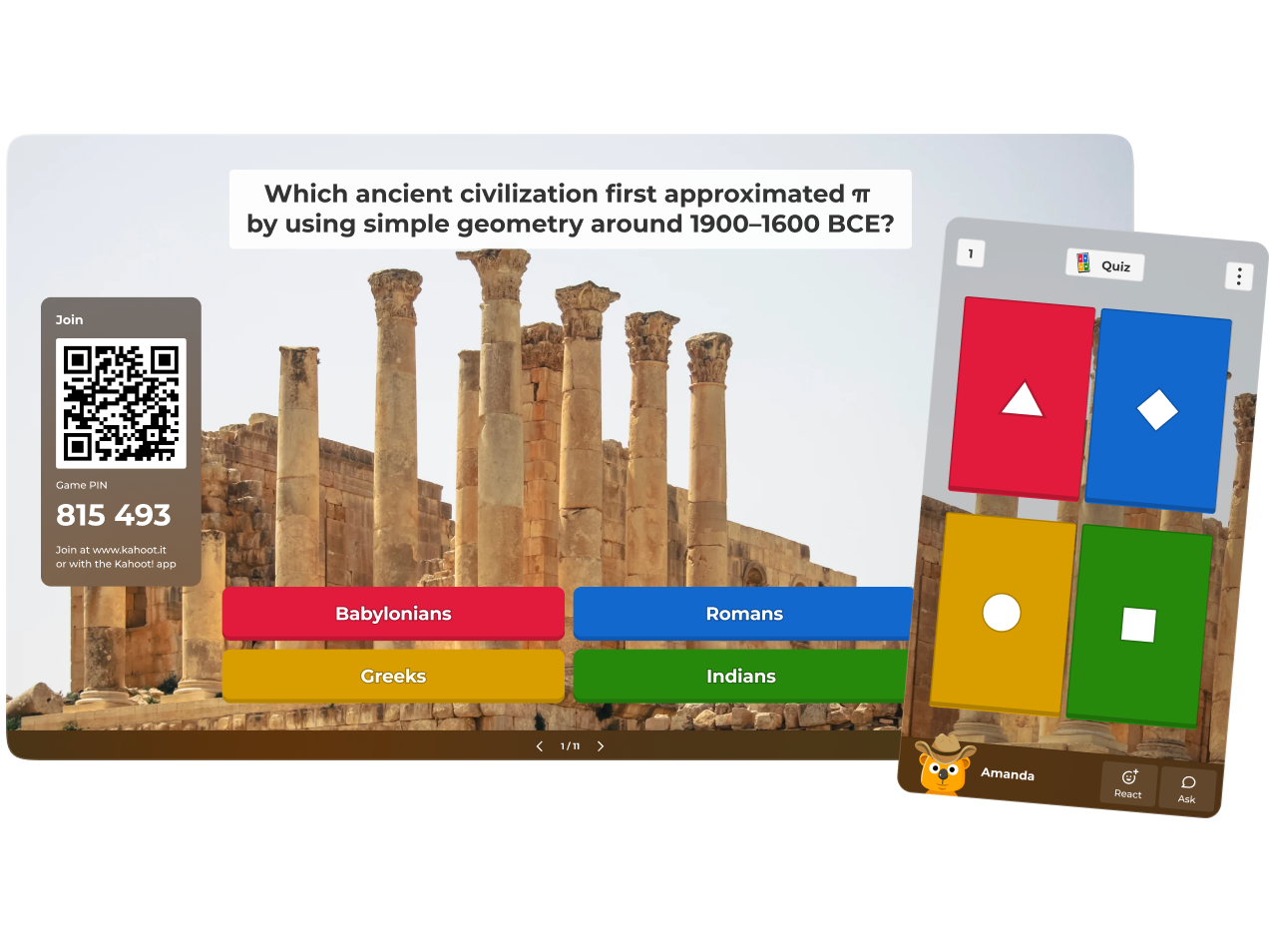
Present with lecture mode to keep everyone focused. Show slides and questions on a shared screen while classmates join from their own devices, respond in real time, and react with emojis and comments. You stay in control of the pace while quickly checking understanding.

A digital presentation screen displays a Kahoot! join panel with a QR code and Game PIN 815 493 against a space-themed background of Earth.

Build presentations faster with Kahoot! AI

Use Kahoot! AI tools to draft and polish your class presentation faster. Generate slide ideas, quiz questions, and discussion prompts, then sync your slides with a kahoot so classmates answer in real time and react on the spot. Present your own slides, then switch smoothly into interactive questions to spark discussion during class presentations.

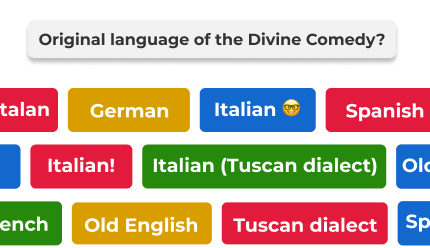
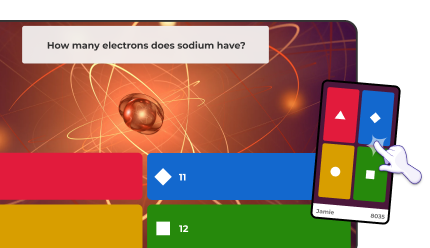
A collage of various interactive quiz slides, including topics on marine ecosystems, math, and lions.

How to make a presentation engaging with Kahoot!+

Build your confidence presenting in class with essential presentation techniques and practical ways to use Kahoot! to make every student presentation more interactive and engaging.
Add quick quizzes, polls, and open-ended questions throughout your talk to involve the room instead of speaking at them. Keep slides simple and visual so the key points stand out, then use live questions to go deeper. You can also share a follow-up kahoot or study set so classmates can review your main ideas after the session.

Read the full guide

A young woman stands at the front of a classroom holding a tablet and gesturing with her hand while presenting to a student.

How to create an engaging presentation with Kahoot!+

Step 1
Log in to your Kahoot! account or sign up
Log in or sign up
Step 2
Create a kahoot to structure your presentation, or use AI to generate starting ideas and questions
Create or generate
Step 3
Add interactive question types like polls, word clouds, and quizzes to keep your audience actively involved
Add interactive questions
Step 4
Boost engagement by adjusting time limits, using images and media, and giving double points for key questions
Adjust settings
Step 5
Ready? Present live with Kahoot! to deliver a memorable, interactive session
Host your kahoot

What students are saying

“Kahoot! helps me turn my study materials into an interactive game, which allows me to learn the material in a much more engaging way.”
Taylor A. College of Veterinary Medicine, University of Georgia

Wedding quiz testimonial

Learn presentation skills with kahoot

Build confidence and master essential speaking skills from structuring presentations to handling feedback and delivering powerful messages. 

Frequently Asked Questions

What are the best presentation tools for students?

The best presentation tools for students make it easier to plan, design, and deliver clear, engaging content without needing advanced technical skills. Kahoot!+ combines interactive slides, quizzes, polls, and AI-powered study tools in one platform, so you can structure your ideas, build your slides, and rehearse effectively for class presentations, group projects, and college presentations.

    How can students make their presentations more engaging?

    Engaging presentations are well structured, focused, and interactive. With Kahoot!, you can open with a quick poll or word cloud to introduce your topic, insert quiz questions between sections to check understanding, and use open-ended questions to prompt reflection and discussion. Keeping slides visually simple and using interactive questions to reinforce key points helps your audience follow your argument and remember the main takeaways.

    Check out our full guide for creating engaging presentations here.

    Is Kahoot! free for students?

    Yes, Kahoot! is free for students! Students can create a free Kahoot! account to join games, create their own kahoots, and access online study tools for students such as flashcards and practice modes to prepare for exams and presentations. A Kahoot!+ subscription is optional and adds more advanced question types, AI-powered tools, and additional features for students who want a more comprehensive presentation and study toolkit.

    Can students use AI tools to create presentations?

    With Kahoot!+, you can use AI tools to turn notes or an assignment brief into a structured outline, suggest slide content, and generate quiz or poll questions aligned with your topic. These AI study tools for students support the planning and drafting process while leaving you in full control of the final wording, examples, and design of your presentation.