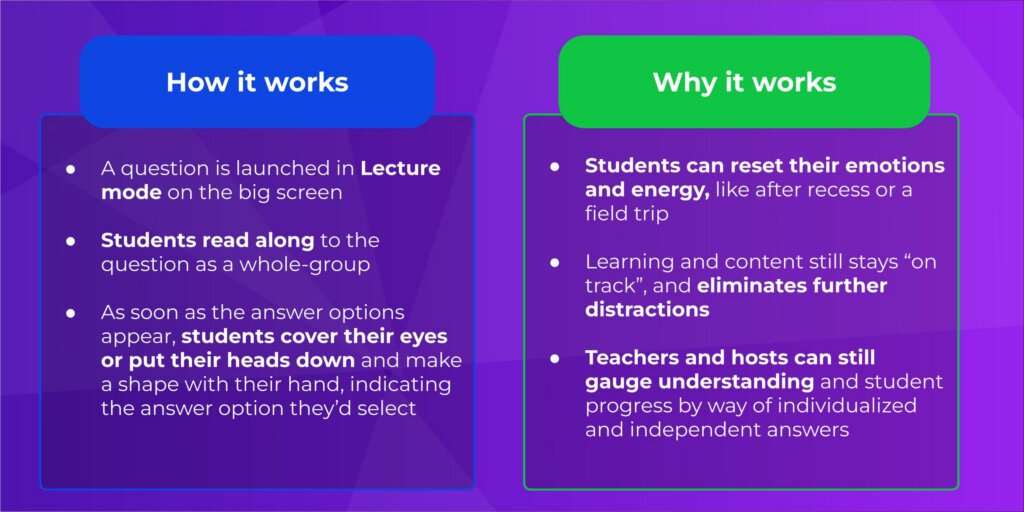


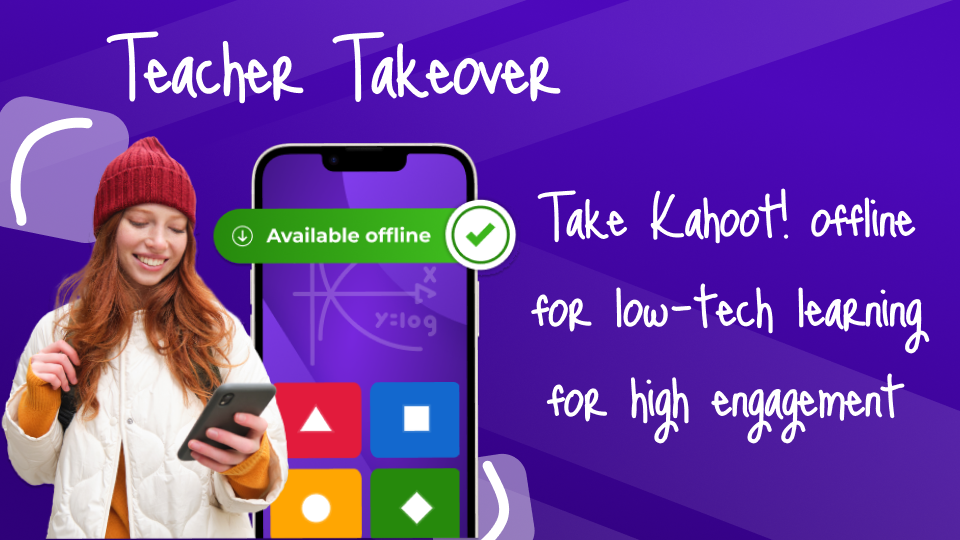
In some classrooms, there aren’t enough devices to go around. In others, personal devices are locked away in backpacks by no-phones policies. And in some learning environments, the barrier isn’t access, it’s appropriateness. For students with developmental delays, special learning needs, or sensory sensitivities, a fast-paced, device-based game can quickly become overwhelming instead of engaging.
But engagement shouldn’t depend on a screen.
One of the biggest misconceptions about Kahoot! is that it only works in 1:1 device classrooms, and that every student needs a device in their hands for the magic to happen. In reality, the magic has never been about the device, but about the design.
At its core, Kahoot! is a structure: clear questions, visual answer cues, predictable routines, shared anticipation, and joyful feedback. And that structure can live far beyond a screen.
Across device-restricted schools, special education classrooms, early childhood programs, and even no-phone secondary campuses, educators are reimagining how they use Kahoot!. The result? High engagement. Low tech. And access for every learner. Because sometimes the most powerful innovation isn’t adding more technology, but adapting it thoughtfully.
Together with Teacher Ambassadors, we’re exploring creative, inclusive ways to bring Kahoot! to life when screens aren’t an option. Choose the situation applicable to your teaching environment, or read-along to all of these out-of-the-box (or should we say, out-of-the-lobby) ideas.
Add unplugged experiences to the daily routine
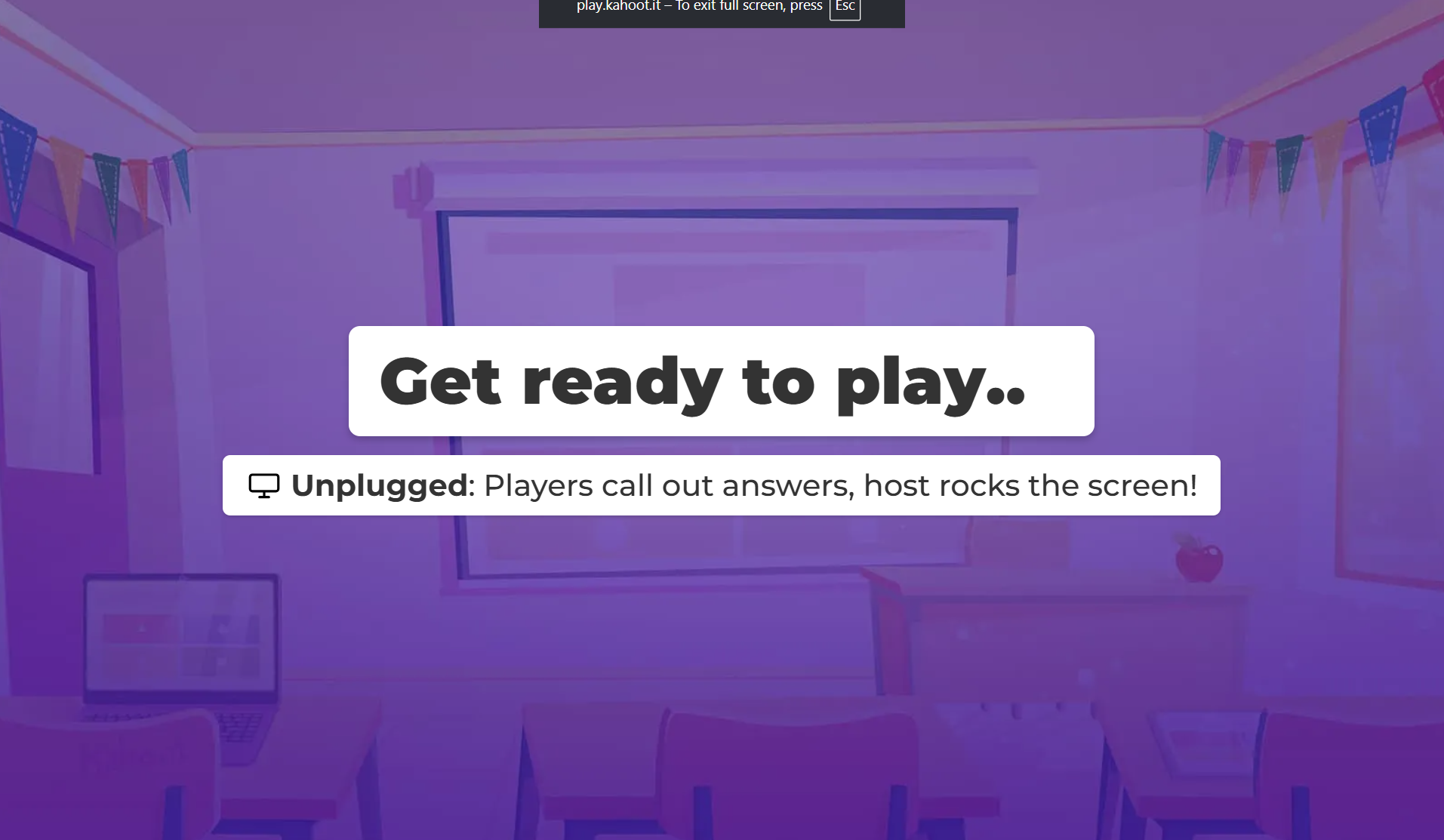
The classic unplugged experience is designed for content review and assessment without the pressure of competition. With a focus on participation, classic unplugged offers a similar flow to the Learn self-study mode, emphasizing content review over speed. There is no timer for answers, allowing the group to discuss and decide at their own pace.
At the end of the game, there is no podium for individuals. Instead, the final screen celebrates the whole group’s effort, showing the total score out of the total questions (e.g., 3/10). With improved flexibility and customization, classic unplugged gives teachers and trainers the freedom to choose how their audience participates, removing device availability as a barrier to engagement.
No game PINs, no student devices, no delays. Simply launch an unplugged experience and instantly start playing. Here’s how:
-
How it works: the teacher displays the Kahoot! on the main screen and asks each question to the whole class orally.
-
The interaction: students can answer independently or in teams, thinking it through together before revealing their answer.
-
The reveal: on the teacher’s cue, everyone reveals their answer at once using answer cards, colored cards matching the on-screen options, hand signals, or personal whiteboards. The teacher counts down, then clicks the “consensus” answer directly on their own device.
-
The goal: tracks the classroom’s overall accuracy ratio rather than individual scores.
Add movement and get students out of their seats
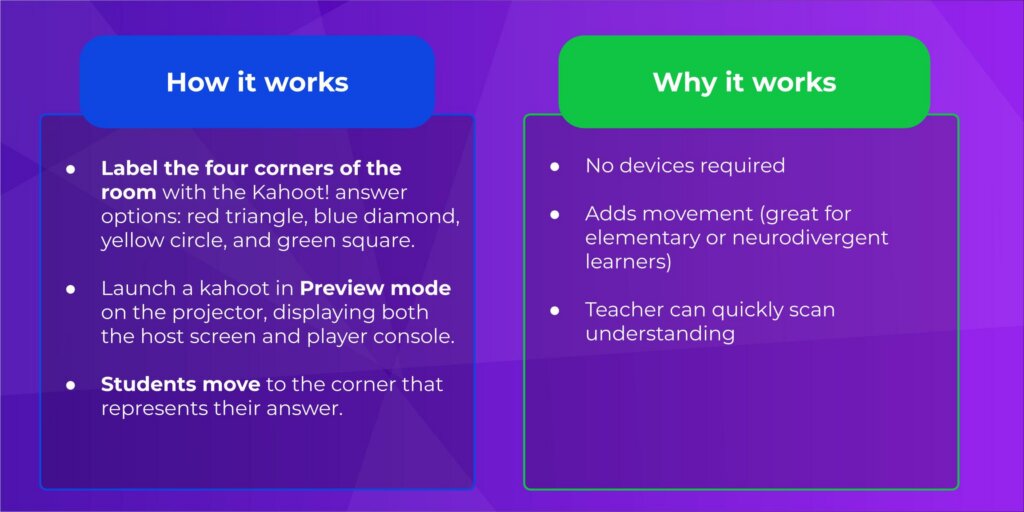
Turn Kahoot! into a whole-body, physical experience by transforming your classroom into a multiple-choice, quiz format Kahoot! question.
#KahootTip Don’t forget that multiple-choice and quiz question types can include up to 6 answer options. Add some flair to your four-corners by designating a fifth and sixth question space, too!
The answer option (i.e. the corner of the classroom) with the most students present will be the class selected answer – of which the teacher will then select on screen! As a class, students can check their understanding, track progress, and learn new concepts. Better yet – this group-think protocol eliminates any personal pressure on the student, as the answers are selected by the entire class. While no student devices are needed and this format is very ‘low tech’, the benefits are further – students get a “brain break” and move around the room for a quick kinesthetic energizer!
Add student autonomy and independence with individually-paced kahoots
When question sequence isn’t relevant and curriculum can be learned at any order or pace, the “Gallery Walk” kahoot format is an individualized and differentiated adaptation.
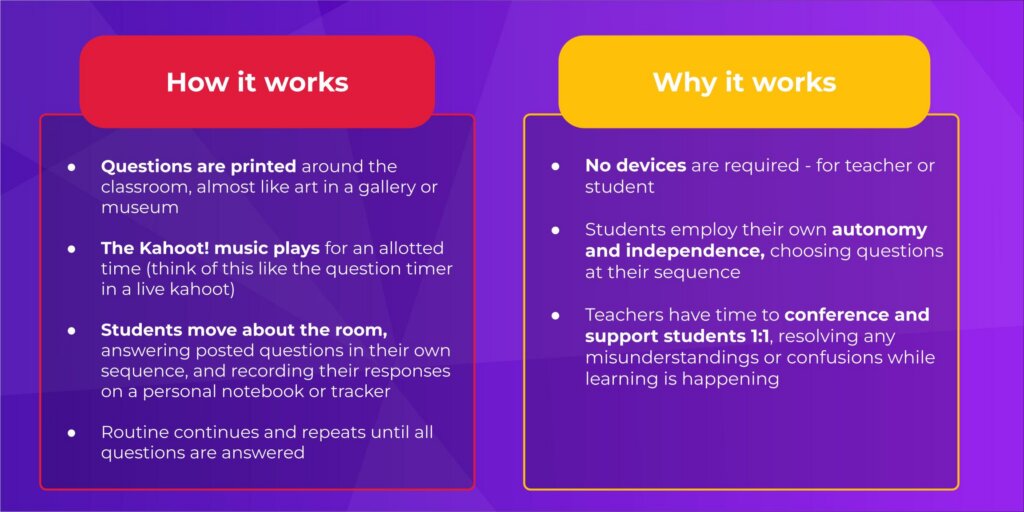
While a live, digital kahoot produces an automatically generated report – this Gallery Walk kahoot also produces a permanent product and record of student learning. Provide for group-think, collaboration, and reflection and ask students to pair-up or even assign groups to review answers together, furthering opportunities for critical thinking and discourse. As students complete the lesson in class, consider assigning a digital, online kahoot as homework for further review and presentation of learned material, really solidifying concepts and understanding.
Employ occupational and motor skills with DIY Kahoot! storyboards
Whether you’re supporting a primary classroom with limited access to technology, or focusing on refining fine-motor skills for occupational therapy and physical education – making an offline Kahoot! storyboard helps students stay connected to their learning, without expectations or peer pressures.
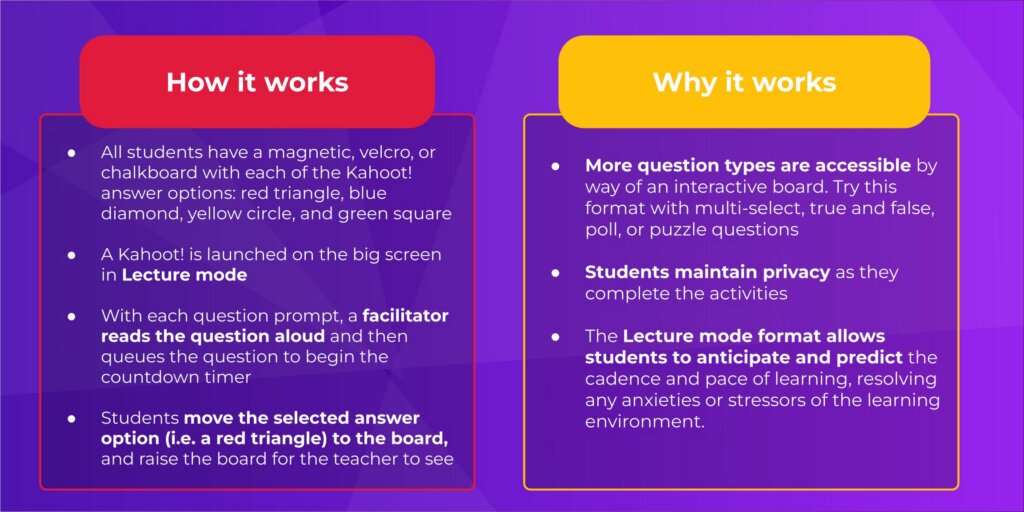
While the primary focus of this lesson may be the curriculum, the adding/separating of the question cards provides a two-fold lesson in fine-motor-skills and executive functioning. When the class day moves so quickly and there is hardly enough time to fit in every single lesson goal, being able to practice and perform on two standards sure makes learning more efficient and effective!
#KahootTip Did you know that many lesson standards and curriculums are embedded into content already available on the Discover page? Search by curriculum standard or learning target to find lessons that are exactly what you need to make learning awesome.