Teachers shuffle into a planning office or conference room, textbooks open and resource guides flipped to the current page…and then the imminent question:
“Which standard are we planning for today?”
Whether you’re wrapping up year-end curriculum guides, or looking ahead to the following school-year, maximizing instructional time is always the goal. With the standards tagging tool on Kahoot!, lessons remain aligned to standardized assessments, state-wide exams, and grade-level benchmarks.
#KahootTip If this sounds like your team, and you’re planning collaboratively, consider adding kahoots to your EDU team workspace with folders for easy access, sharing, and organization.
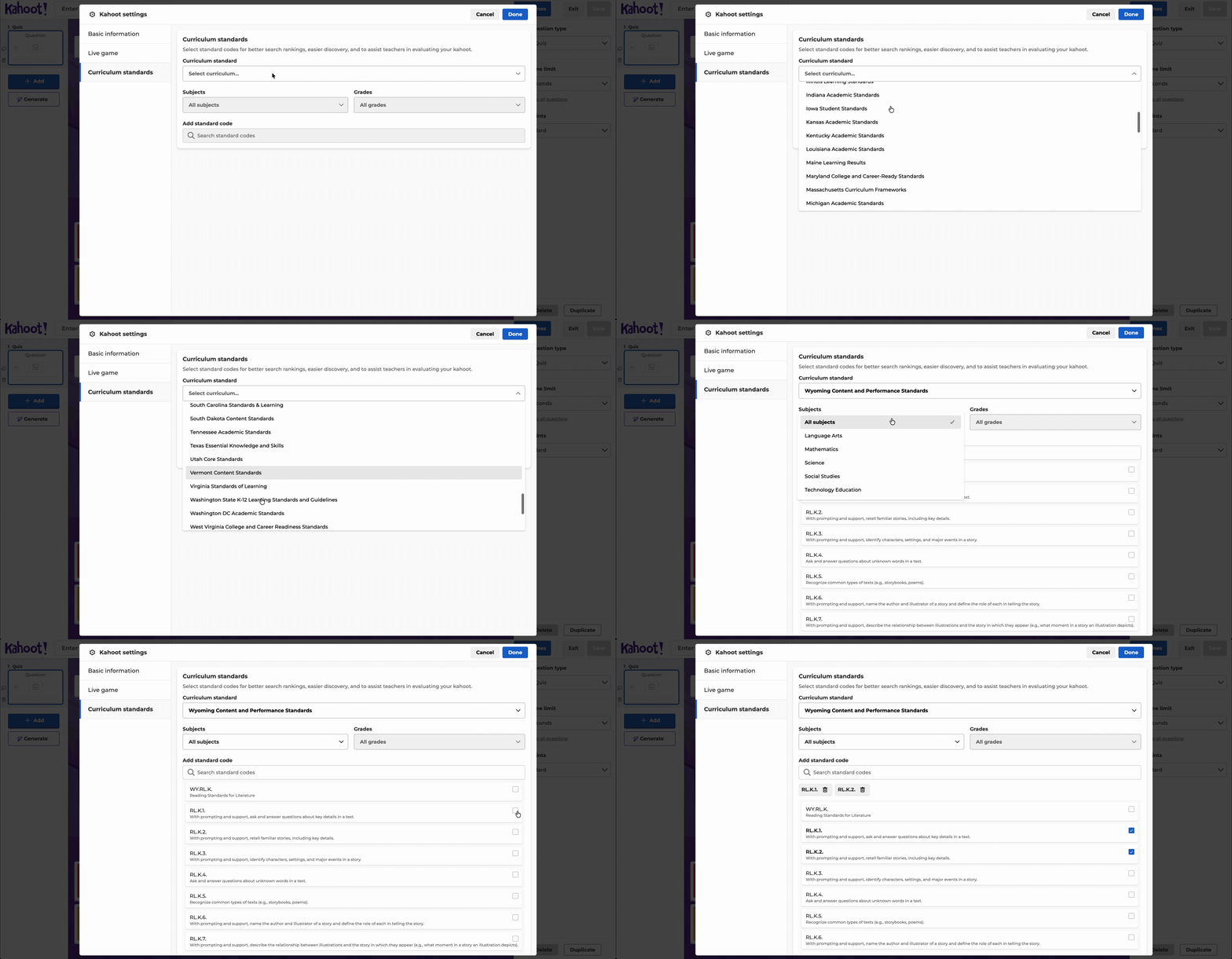
For many educators, standards aren’t just a box to check — they’re the anchor that drives lesson design, pacing, and assessment. That’s why we’re excited to introduce a new tool in Kahoot!: U.S. curriculum standards tagging.
Now, teachers can tag curriculum standards directly in Kahoot! EDU to ensure every kahoot connects clearly to student learning goals. This feature supports:
- State standards for all 50 US States (such as, TEKS, NYSP12LS, and GSE)
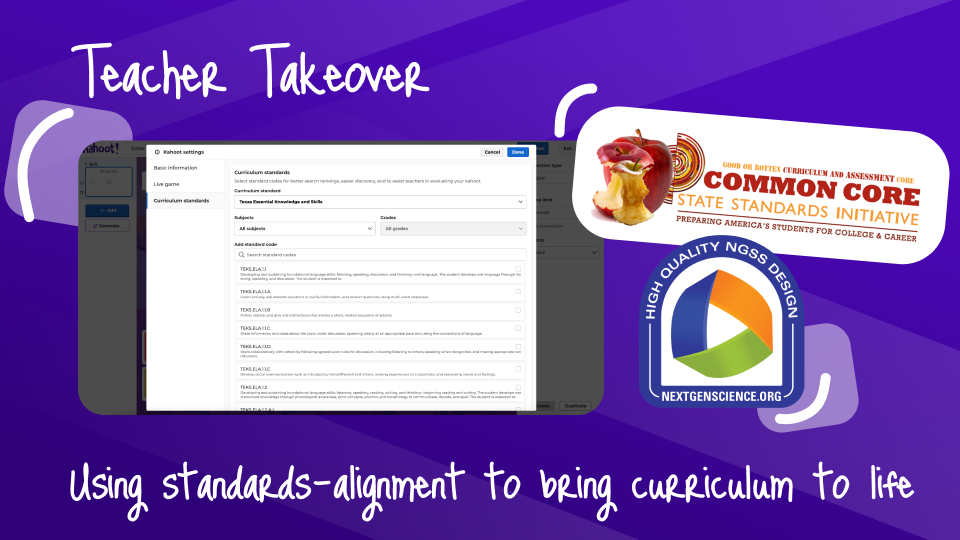
- National standards that include Common Core Standards, Next Gen Science Standards, and ISTE Standards for Students
Standards alignment as the starting point
We know lesson planning starts with the standards. In fact, most educators’ first step is identifying the standards before building out lesson activities. Teachers reference district-provided guides or tools to prioritize standards and track student progress. Having the ability to tag curriculum standards inside the Kahoot! Creator makes the workflow more seamless. One Kahoot! Ambassador explained: “Just having the standards specific to my state handy is a big deal for me. I want them visible as I’m writing questions” (Elisabeth L., New York).
For teachers, standards aren’t just for planning. They’re also crucial when it comes to:
- Instructional alignment — ensuring lessons match district and state goals.
- Assessment — providing evidence that each standard is being taught and assessed.
- Reporting — demonstrating student growth toward benchmarks and mastery.
As one teacher noted, standards-aligned Kahoot! reports also help validate instructional choices with administrators and instructional coaches.
How teachers are using it
Here’s what educators told us they’re most excited about with this new tool:
- Smart instructional design: Teachers want to reference standards continuously while writing questions — not as an afterthought.
- Assessment with evidence: Being able to show which questions tie to which standards gives teachers and administrators a clearer picture of coverage and mastery.
- Student progress tracking: Reports tied to standards allow teachers to spot trends across classes, compare results to benchmarks, and design interventions.
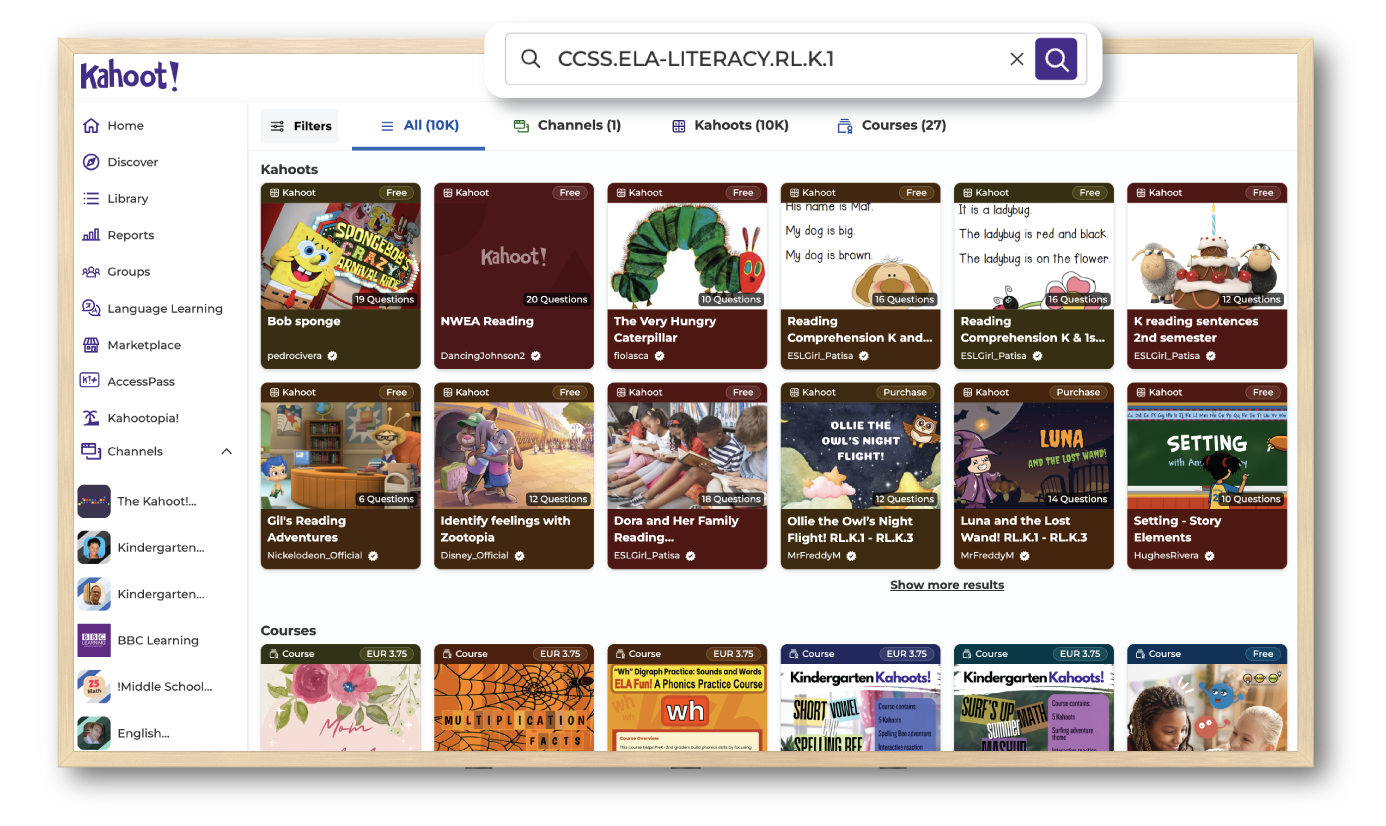
- Confidence in content: Knowing a kahoot is tagged with the right curriculum code makes it easier to select and share resources with colleagues.
Elisabeth L., a STEM teacher in New York City Public Schools, explains: “I use Kahoot! reports to see trends on specific content topics. Having a way to tag or search kahoots by curriculum standards — and track progress by skill — makes that process even stronger.”