用 Kahoot! 360 的線上腦力激盪工具集思廣益
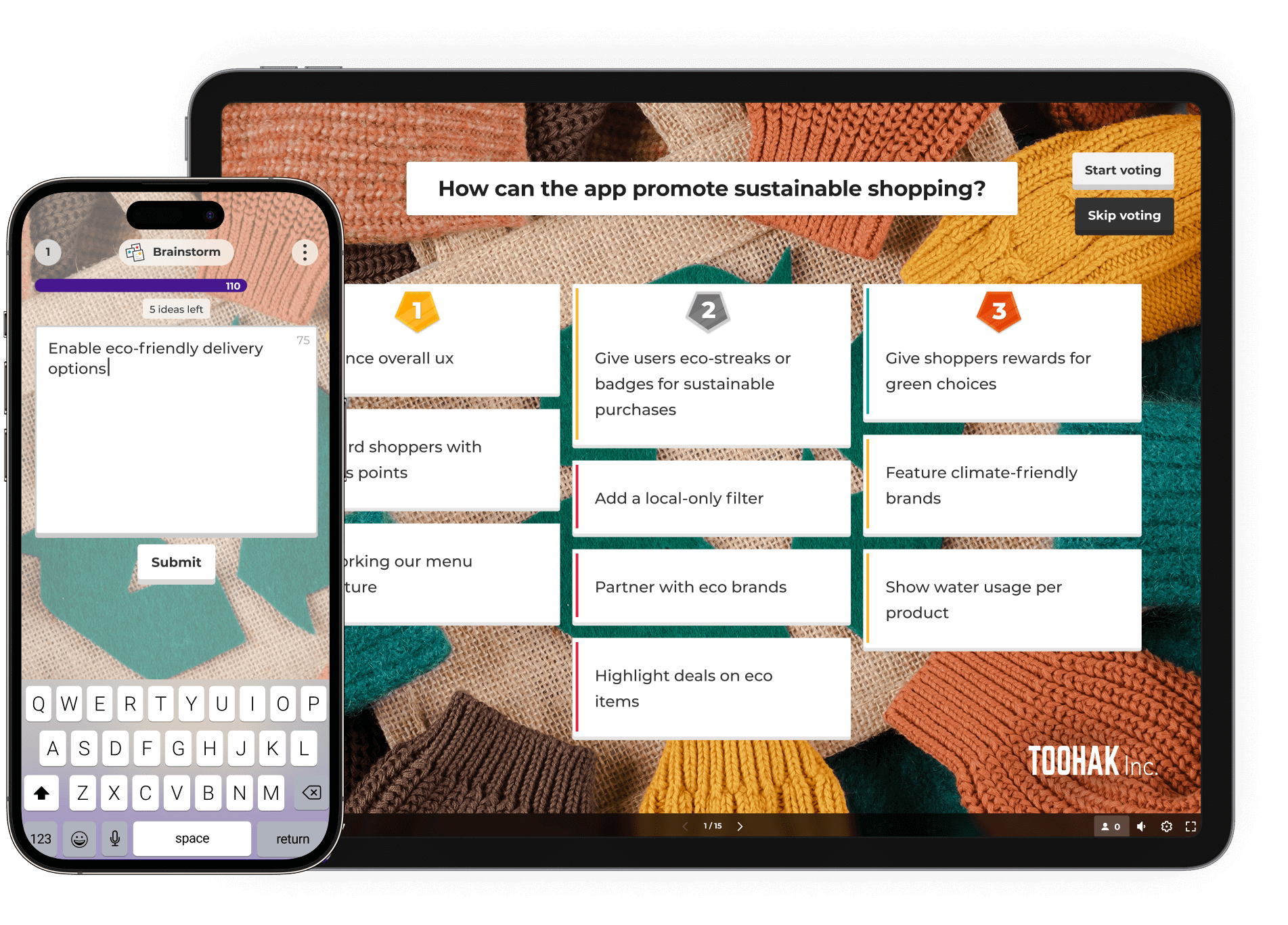
透過 Kahoot! 360 中動態的腦力激盪工具,激發點子並採取行動。 讓參與者投入,收集多元見解,並協作排序出最佳建議,以達致創新且包容的成果。
現在訂閱 Kahoot! 360 Pro,每月費用 $19 起。 可省下 $240。 優惠活動到 5 月 15 日為止。







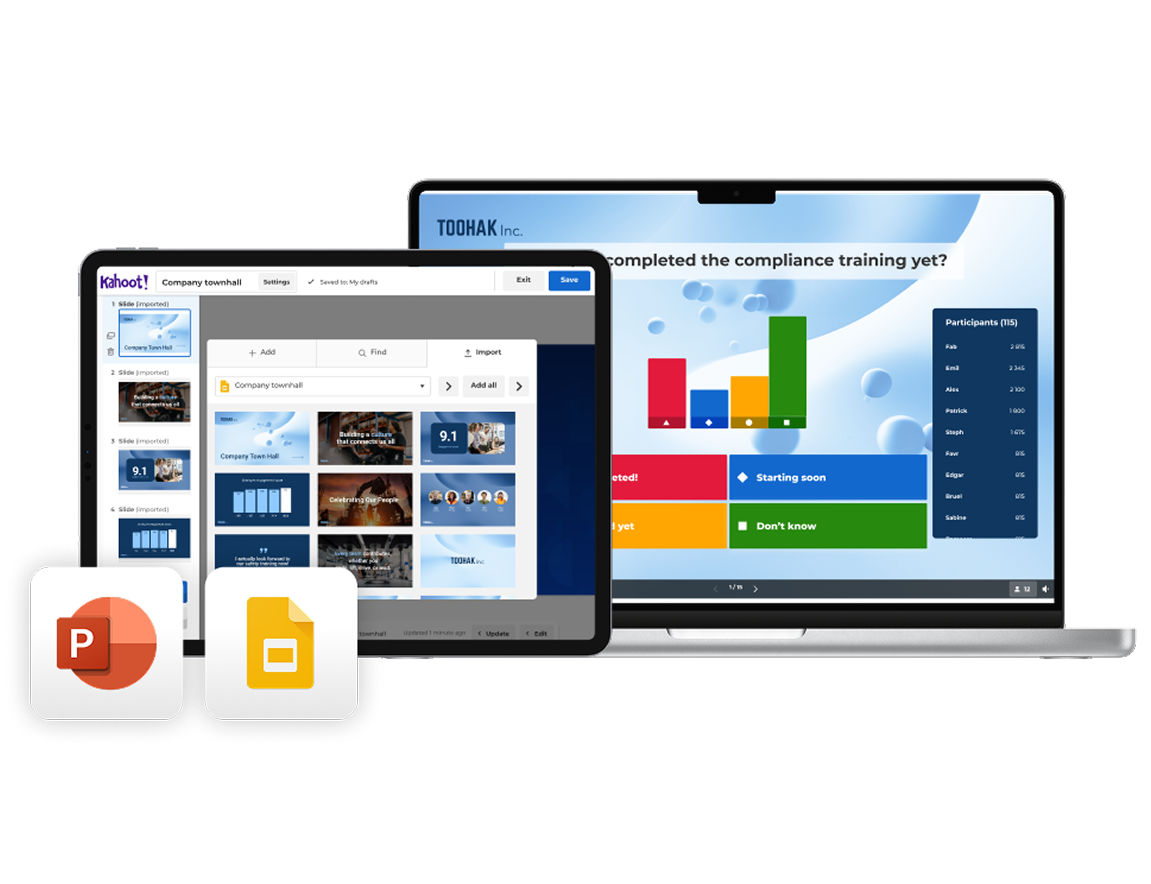

Import your existing slides from PowerPoint or Google Slides and turn them into an interactive brainstorming experience with Kahoot! 360. Use AI to instantly generate questions, polls, and word clouds that prompt idea-sharing and creative thinking.
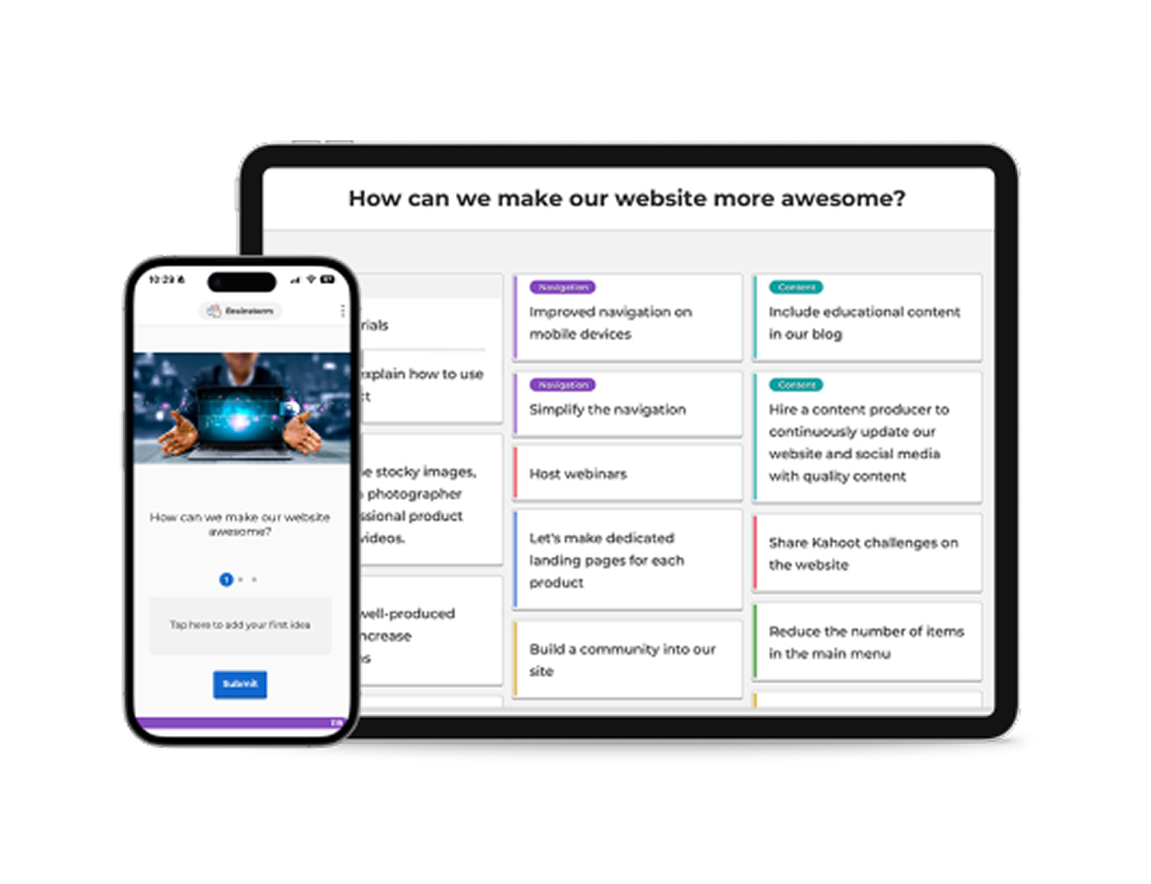

As you present, invite participants to contribute ideas, opinions, and suggestions directly from their own devices. Use interactive tools like word clouds, polls, and open-ended questions to surface diverse perspectives and spark discussion in real time.
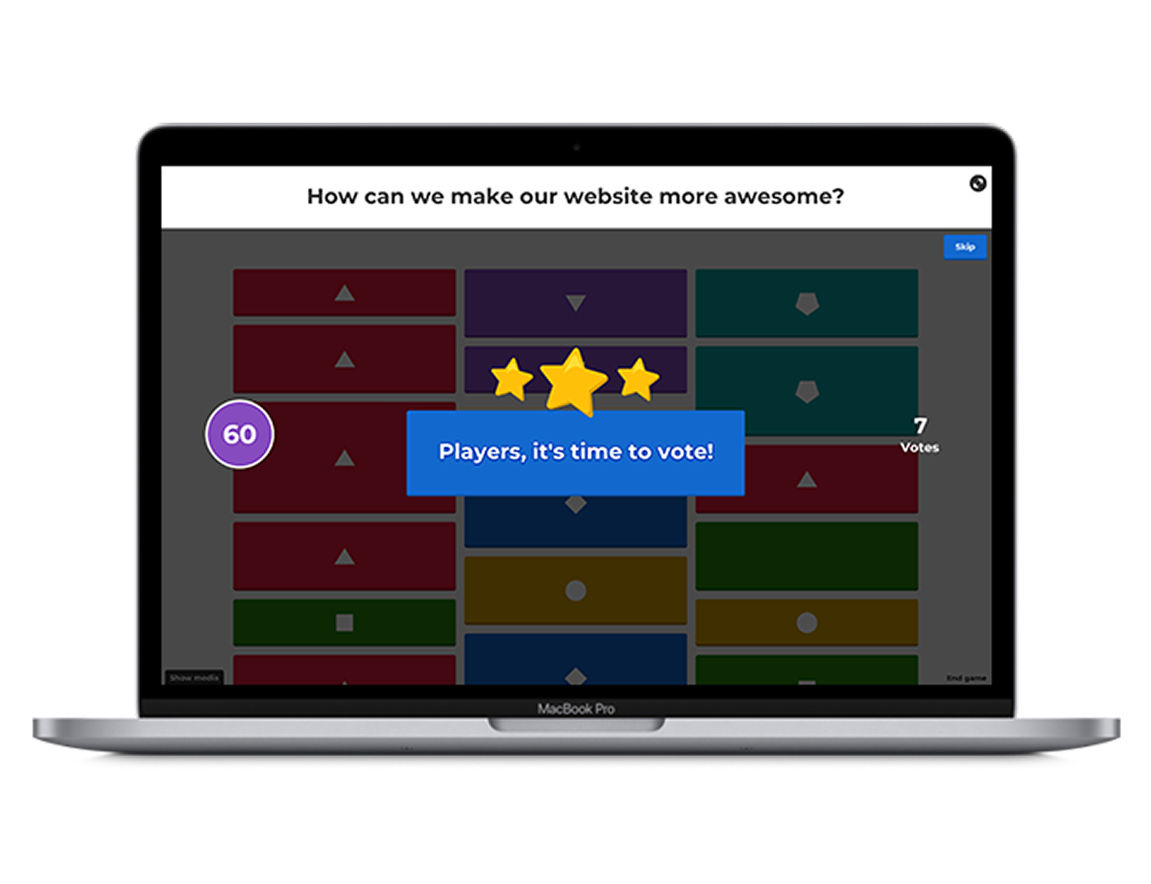

As ideas come in, use live results to guide the conversation and identify patterns, priorities, and opportunities. Enable Q&A so your audience can ask questions at any point without interrupting your flow, keeping discussions focused and productive.
Join millions of professionals boosting employee performance, productivity, and retention with Kahoot! 360, the ultimate workforce engagement platform. Turn any presentation, training, or event into an engaging experience that drives results across your organization.
從挑選產品名稱到排序功能開發,透過 Kahoot! 360 中現成的範本,節省腦力激盪完整段落的時間。

Decide what to do at your company’s summer party by gathering ideas from the team with this handy template.
Prepare for your company’s Christmas party with this brainstorming template—perfect for agreeing on themes, dates, and more.
Visit our brainstorming course to discover ready-to-use templates on everything from product workshops to retrospectives.

透過互動式問題、文字雲和實況票選活動,Kahoot! 能快速激發想法,並即時呈現多元觀點。

Kahoot! 的線上腦力激盪工具讓每個人都有均等的貢獻機會,無論他們是親自、遠端或非同步參與。

利用實況票選活動和投票功能,共同排序想法,快速找出對團隊最重要的事項。

引人入勝的腦力激盪活動能帶來更好的後續執行,讓最佳想法得以實現。





Kahoot! 360 includes interactive brainstorming tools that allow participants to submit ideas from any device. You can collect, prioritize, and vote on contributions together, making it ideal for team and online brainstorming sessions.
Yes! Whether you’re brainstorming online, in person, or in a hybrid setup, Kahoot! 360 supports real-time participation from anywhere. It’s a flexible team brainstorming tool built for inclusion and collaboration.
After collecting ideas in a brainstorming session, participants can vote on the best ones. This helps teams align quickly and turn insights into clear action points, reducing follow-up time and boosting outcomes.
Nope! Kahoot! 360 offers ready-to-use brainstorming templates to save time. Whether you’re planning a product launch or running a team-building session, you can get started in minutes.
Yes. With Kahoot! 360, you can import your existing presentations and use AI to instantly generate brainstorm prompts. This makes it easy to run structured sessions without starting from zero.
Absolutely. Kahoot! 360 supports large groups and encourages input from everyone. It’s a great collaborative brainstorming tool for teams, departments, or whole companies looking to engage people and surface the best ideas.
When choosing a brainstorming tool, consider your team’s size, working style, and whether you collaborate remotely or in person. Look for tools that support real-time collaboration, idea voting, and visual thinking—features that make sessions engaging and productive. Kahoot! 360 combines all of these in one platform, helping teams collect ideas, align, and take action efficiently.
For remote or hybrid teams, the best brainstorming tools make participation effortless and inclusive. Kahoot! 360’s online brainstorming features let every team member contribute ideas and vote in real time, no matter where they are. It’s designed to recreate the energy of in-person brainstorming, even when you’re miles apart.
Digital brainstorming tools can boost creativity by breaking down barriers and encouraging everyone to share freely. Features like AI-generated prompts, mind mapping, and visual collaboration help spark new ideas and connections. With Kahoot! 360, teams can use interactive question types to think differently and uncover more innovative solutions together.
When evaluating brainstorming apps, look for real-time collaboration, voting and prioritization tools, integration with existing slides, and templates for common brainstorming sessions. Kahoot! 360 includes all of these, helping you move from ideas to action quickly and keep every session engaging and productive.
Update your language, region and currency.