app store badge google play badge

Get the mobile app for the best Kahoot! experience!

19 Mar 2026

Back to blog

Presentation skills for students: How to create engaging and effective presentations

Discover practical tips to organize your ideas, keep your audience involved, and build presentation skills.

Standing up in front of your classmates can feel intimidating, but strong presentation skills can transform that moment into an opportunity. When you know how to structure your ideas, speak with clarity, and keep your audience involved, you build confidence that reaches far beyond class.

Effective presentations help you share your thinking, show what you know, and prepare for real-world situations like interviews, group projects, and future careers. With the right strategies and support from Kahoot!, you can turn every presentation into a chance to grow your voice and make learning more engaging for everyone in the room.


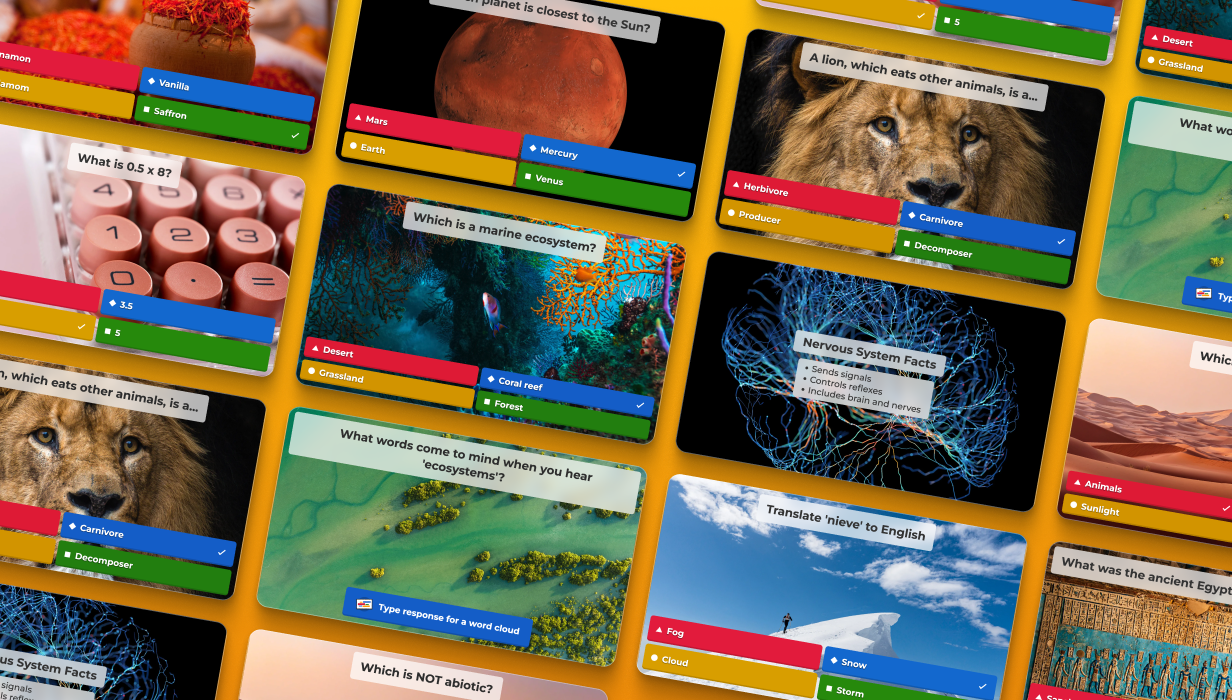
Students delivering a Kahoot! presentation


How to make a presentation engaging with Kahoot!

A good presentation is clear with a simple structure, focused on one main message, visual-focused with short phrases and images instead of text-heavy slides, and engaging by involving your audience.

The first 30 seconds matter the most as this is when you hook your audience. Here are three quick presentation tips for your opening:

  • Ask a question. Request a show of hands or complete a quick Kahoot! quiz.
  • Share a short story that connects your topic to real life.
  • Use a surprising fact that makes people curious.

However, a strong introduction is only the start! To make your whole presentation engaging, turn your classmates into active participants using a mix of explanation and interactive moments, such as:

  • Warming up with a short kahoot to check what classmates already know.
  • Checking in midway with a quick poll or quiz question before a key point.
  • Reviewing at the end with a kahoot that covers your main ideas.

Lecture mode in Kahoot! is ideal for class presentations when you want to guide your slides at your own pace and keep everyone involved. You share your main ideas on screen, then add short kahoot questions, polls, or word clouds between parts of your talk to check understanding and collect reactions. This keeps your classmates active instead of only listening, helps you stay on track, and makes the whole presentation feel more like a conversation than a speech.
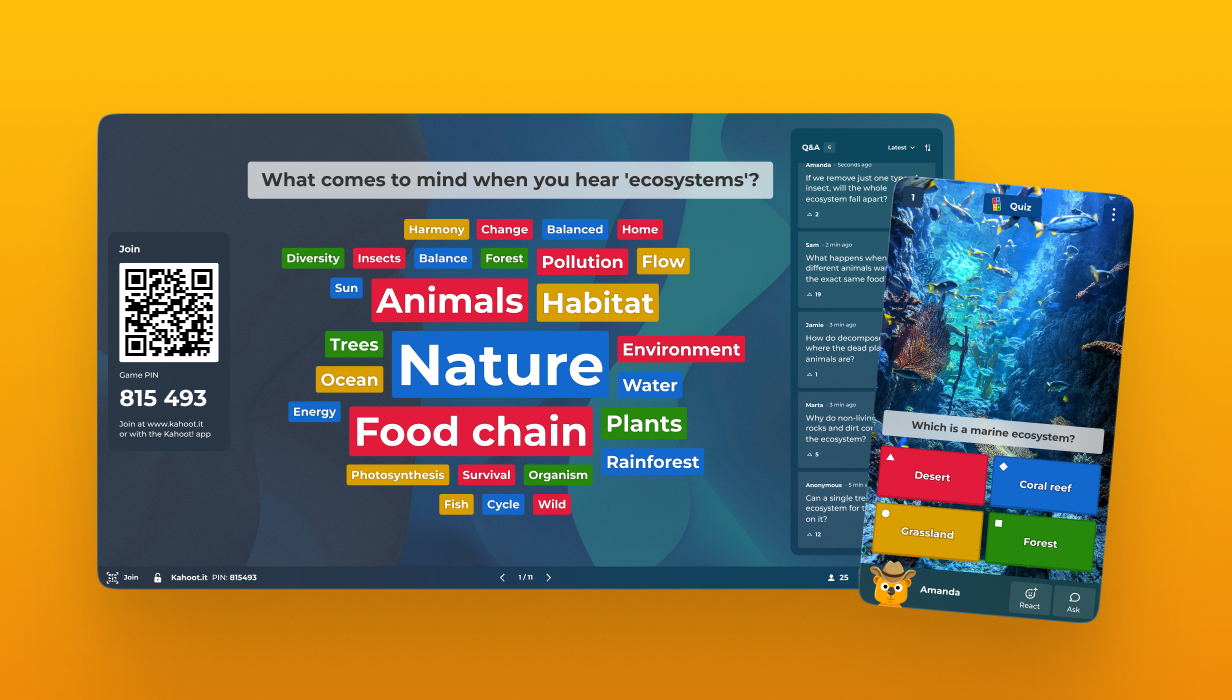

 

Screen with a kahoot


Create an effective presentation with Kahoot! in five simple steps

Use this simple plan to turn your ideas into a clear, engaging presentation with Kahoot!.

  1. Start by writing your main message in one sentence.
  2. Choose three key points that support that message and turn each into a short, clear slide.
  3. Keep it visual by using short phrases and images, then add a kahoot question that matches each key point.
  4. Insert a kahoot at the start to warm up, in the middle to check understanding, or at the end to review your main ideas.
  5. Practice once or twice with a timer while clicking through your slides and kahoot so you feel confident and finish on time.

Screen with a kahoot


Common presentation mistakes students should avoid

  • Slides crowded with too much text
    This makes it hard for your audience to focus on you. Turn key ideas into short phrases and use Kahoot! questions as your “text” instead of filling every slide.


  • Reading every word from the screen
    This sounds less confident and loses attention. Let Kahoot! carry key points through quick questions so you can speak naturally and react to classmates’ answers.


  • No clear structure or signposts
    Without a simple flow, people forget your message. Use a short kahoot at the start, middle, and end to signal your introduction, main points, and recap.


  • Lack of interactive elements
    When no one participates, it feels more like a lecture. Add polls, quiz questions, or word clouds in Kahoot! so everyone can vote, react, and share ideas in real time.


  • Poor timing
    Rushing or running out of time means you skip key points. Build in a set number of questions and practice once with the kahoot and slides so you know your pace and finish on time.


Fixing these mistakes instantly makes any presentation clearer, more interactive, and easier to remember.

Screen with a kahoot


Presentation skills are not about being naturally confident, they are about using simple, repeatable techniques. With a clear structure, clean slides, and a few interactive moments, you can create engaging, effective presentations that your audience remember.

Kahoot! supports the whole process from studying your topic to adding live quizzes, polls, and word clouds that keep your audience involved. Try adding a small kahoot to your next class presentation and see how much more engaging it feels.